 Echolot
Protected environments
Mark an environment such as Production as protected, so every send to it asks first, from you and from agents.
A protected environment asks before anything is sent to it. Mark your production environment protected, and a stray ⌘R, a runner run or an agent's call can't reach it without someone saying yes. Protected environments are marked red everywhere they show.
Protect an environment
- Open the Environments page (⌥⌘E).
- Select the environment.
- Turn on Protected beside its name.
The environment's row and its dot in the environment menu turn red, with a shield. In the file, it is one line, so the choice is shared with everyone who opens the workspace:
name = "Production"
protected = true
In Alpenglow, Production is protected.
What asks first
While a protected environment is active, these ask before they go out:
| What you start | Where |
|---|---|
Sending a request of any kind, safe methods such as GET included | The request page: Send, Request › Send (⌘R), ⌘↩ |
| Connecting a WebSocket, Socket.IO, MQTT or other session | The request page: Connect |
| Messages in a session that was opened before you switched to the protected environment | The request page |
| A run | The Runner: Run, once a run |
| Running a flow | The Flows page: Run |
| Quick Send | The Quick Send panel |
| Shortcuts actions | The Shortcuts app shows the question |
| Calls, checks and watches | The MCP Servers page |
| Getting an OAuth 2.0 token, fetching a GraphQL schema, gRPC reflection | The request page |
The buttons say so before you click: Send reads Send to Production…, Connect reads Connect to Production…, and Run reads Run in Production…, in red.


The question
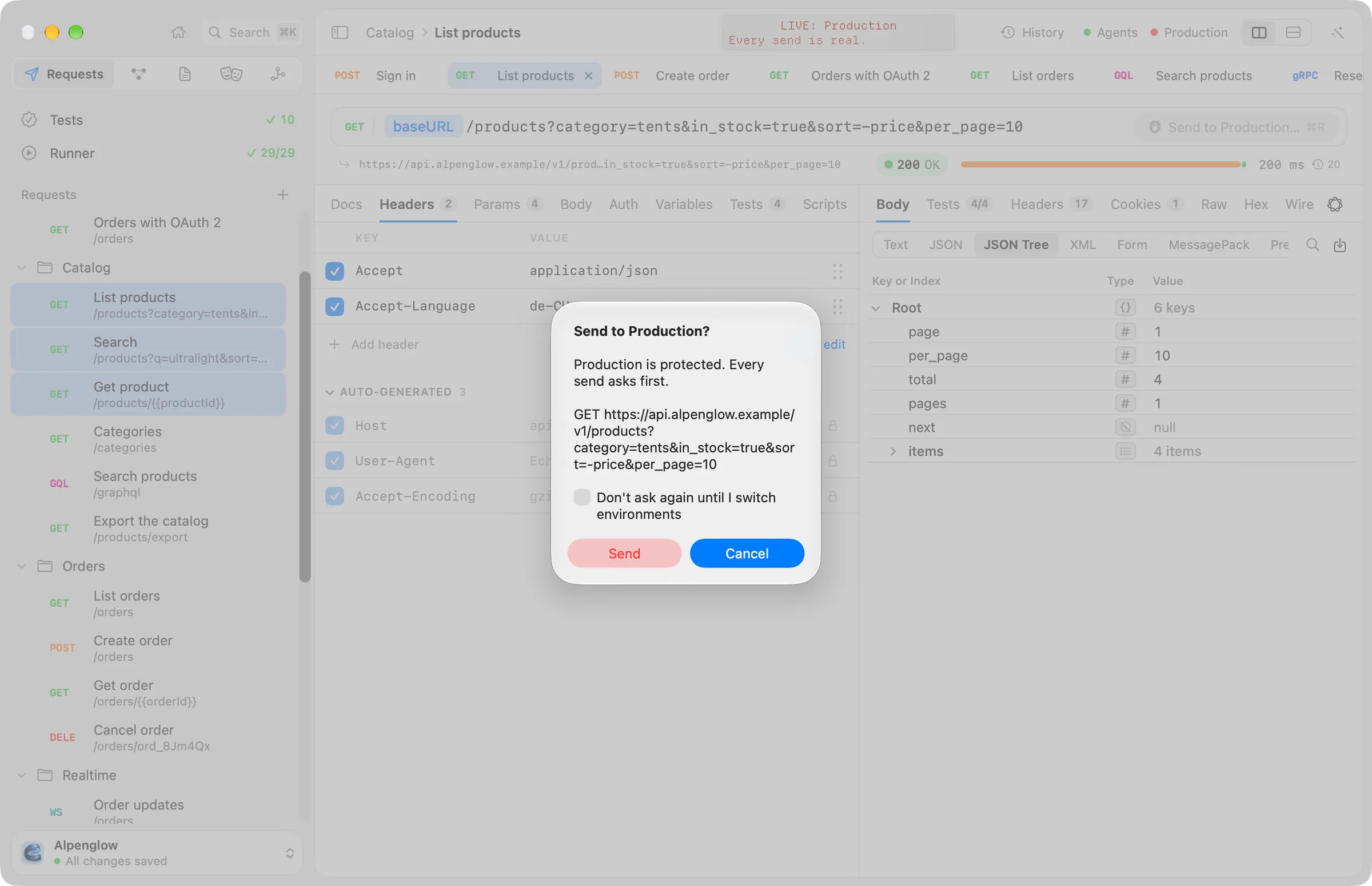
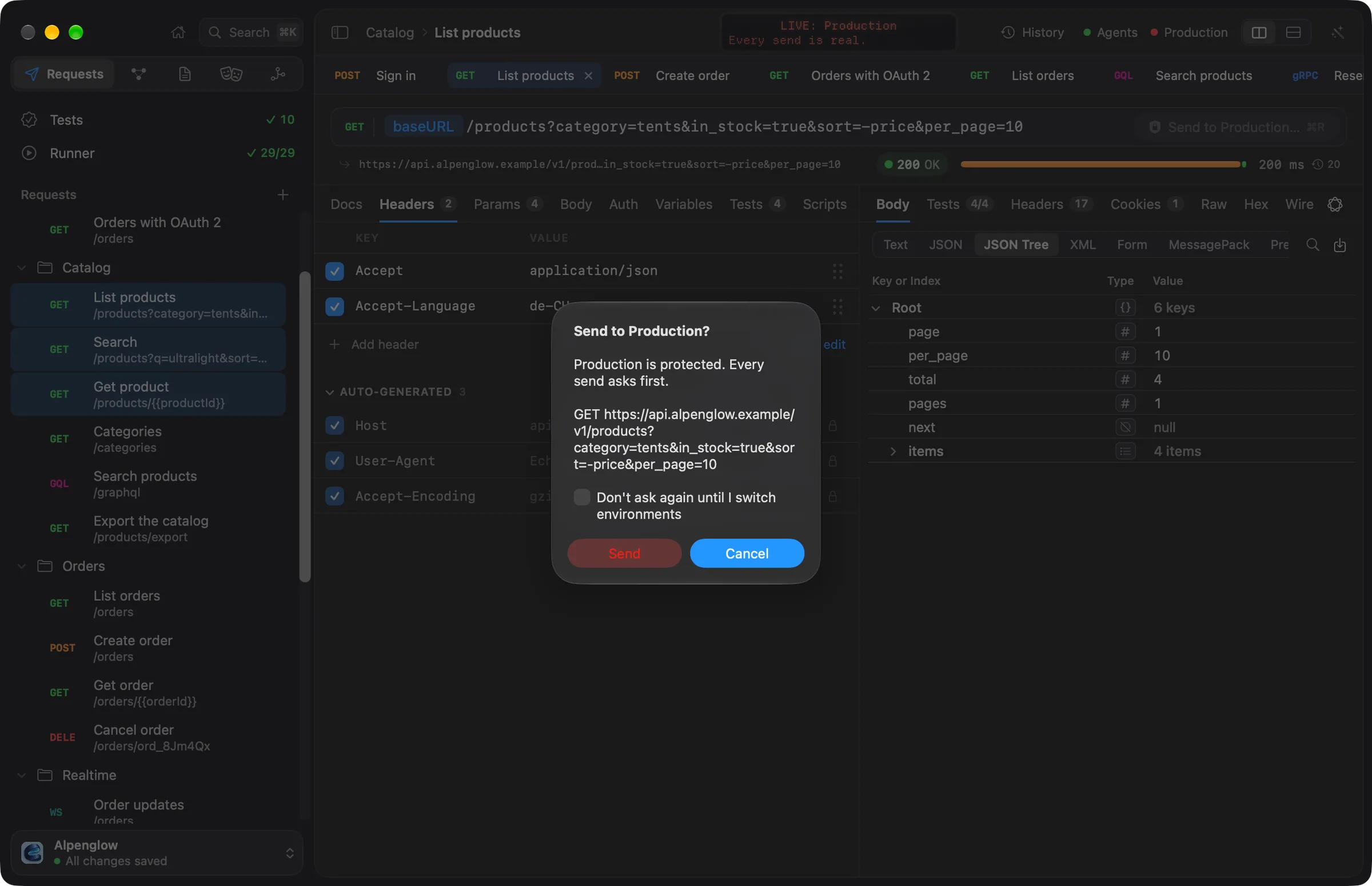
The question names the environment and shows what would go out: the method and the resolved address, with secrets masked. For example:
Send to Production?
Production is protected. Every send asks first.
GET https://api.alpenglow.example/v1/products?category=tents&in_stock=true&sort=-price&per_page=10
- Cancel is the default button: ↩ cancels, and so does Esc. Nothing goes to a protected environment by accident.
- Send (or Connect, or Run) sends. Click it with the mouse.
- Don't ask again until I switch environments stops the questions in this window until you choose another environment. Echolot keeps this only in memory: it is never written to disk, and it ends when you switch, close the window or quit.
What agents do instead
AI agents never get past a protected environment on their own. Every send to it, whatever its method and whatever the workspace's agent rules say, asks you in the agent's approval sheet. The sheet says: "The environment is protected, so every send asks first, whatever the method and policy." Allow Once is not the default button there, so ↩ doesn't approve it. Allow for This Session lets the same call go again without asking until the window closes; Deny refuses it.
This holds for the built-in Assistant and for external agents through
Echolot's MCP server. Agent rules in a workspace can never allow sends to protected environments outright. When
echolot mcp serve runs headless, with nobody to ask, those sends are refused.
The command line
echolot run, echolot send and the other commands don't ask: choosing --env production on the command line is
the decision. Keep production credentials out of your CI's secrets if CI should never reach production.
Tips
- Protect every environment that points at real data, not only Production.
- Echo, the status screen, shows a red reminder while a protected environment is active.
- To work against production for a while without the questions, use Don't ask again until I switch environments rather than turning Protected off: the protection stays for teammates and agents.