 Echolot
Folders
Organise requests in folders, move and reorder them, act on several at once, and set auth, variables and scripts that every request inside inherits.
Folders group requests in the sidebar's requests tree, and they carry settings: auth, variables and scripts set on a
folder apply to every request inside it. On disk, a folder is a directory under requests/ with a _folder.toml.
Create a folder
- File › New Folder (⇧⌘N), while the sidebar shows Requests.
- The + beside Requests in the sidebar, then New Folder.
- Control-click a folder and choose New Folder to make one inside it, or Control-click empty space in the tree for one at the top level.
The new folder's name is ready to edit. Type a name and press ↩.
New Request in a folder's context menu puts the request inside it. File › New Request (⌘N) and the other New … Request commands put it where you are in the tree.
Rename, duplicate and reorder
Control-click a request or folder for its menu:
| Command | What it does |
|---|---|
| Run Request / Run Folder | Runs it in the Runner, with its checks. |
| Rename | Edits the name in place. ↩ on a selected row does the same; Esc stops. |
| Duplicate | Copies a request (⌘D). |
| Move Up, Move Down | Moves the item one place within its folder. |
| Show in Finder | Shows the item's file or folder. |
| Move to Trash… | Asks, then moves it to the Trash. |
Folders also have New Request, New Folder, Folder Settings…, Link to OpenAPI Spec… (or Check OpenAPI Spec for Changes… once linked; see specs), Document in OpenAPI Spec… (see specs from traffic) and Export Folder… (see exporting).
The order you give items is saved in the folder's _folder.toml, so it is the same for everyone who opens the
workspace.
Move items with the keyboard and the mouse
In the requests tree, ↑ and ↓ move the selection, → opens a folder and ← closes it or goes to the folder above.
Drag requests and folders to move them:
- A gap opens where the item will land, and the rows below make room.
- Below an open folder, move the pointer left or right to choose the depth: inside the folder or after it.
- Rest on a closed folder for a moment and it opens, so you can drop between its items. Folders opened this way close again when the drag ends elsewhere.
- Dragging one of several selected items moves them all.
Drop files from the Finder onto the tree to import them into that folder: Postman, Insomnia, OpenAPI, HAR and the other formats Echolot reads. Paste or drop a cURL command to make a request from it.
Select several items
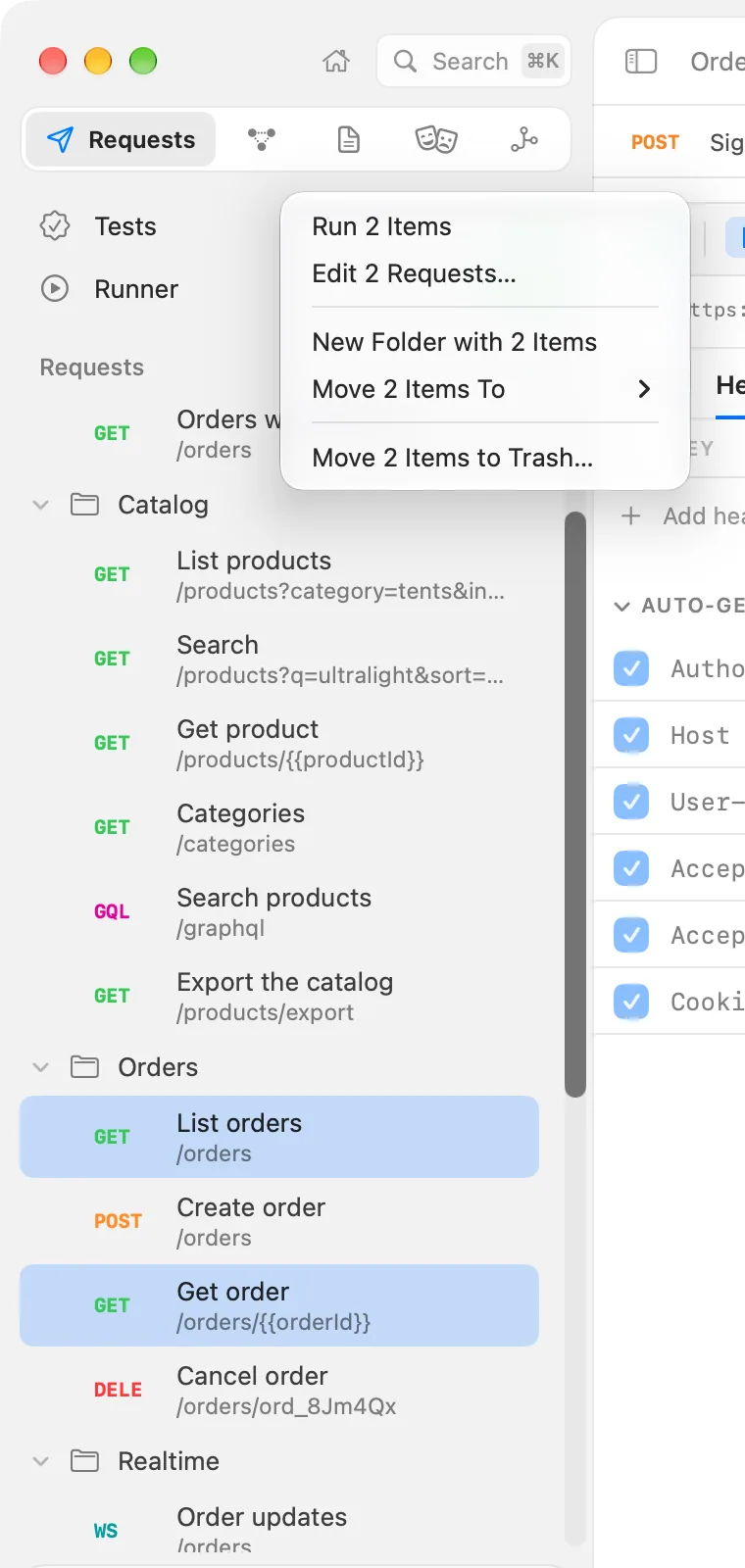
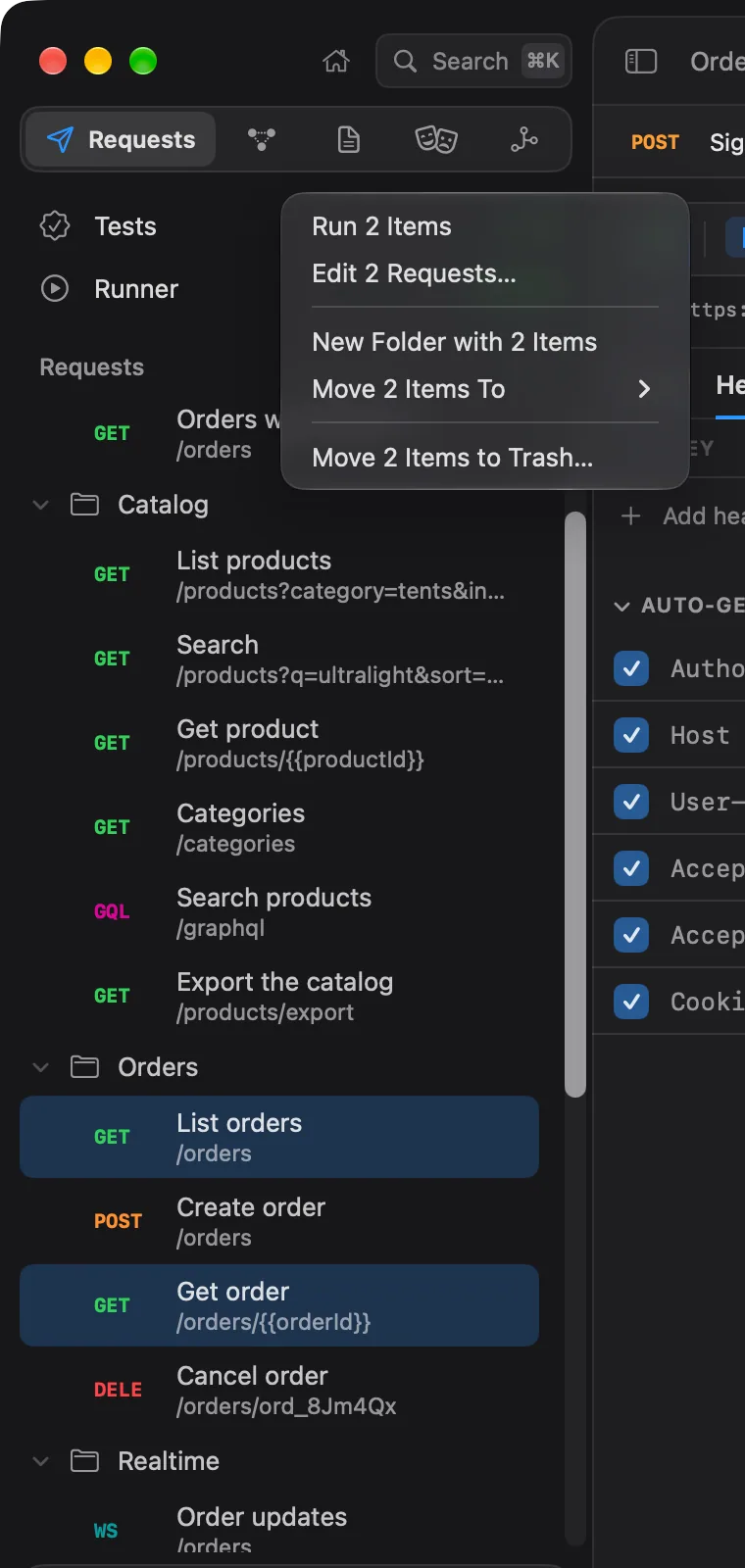
⌘-click adds or removes an item. ⇧-click selects everything between the last item and this one. Control-click any of the selected items for what you can do with all of them:
| Command | What it does |
|---|---|
| Run N Items | Runs them in the Runner. |
| Edit N Requests… | Changes headers, parameters and auth of every selected request at once. |
| New Folder with N Items | Makes a folder and moves the items into it. |
| Move N Items To | Moves them into Workspace (top level) or any folder. |
| Move N Items to Trash… | Asks, then moves them all to the Trash. |
When a folder and items inside it are both selected, the commands act on the folder.
Edit several requests at once
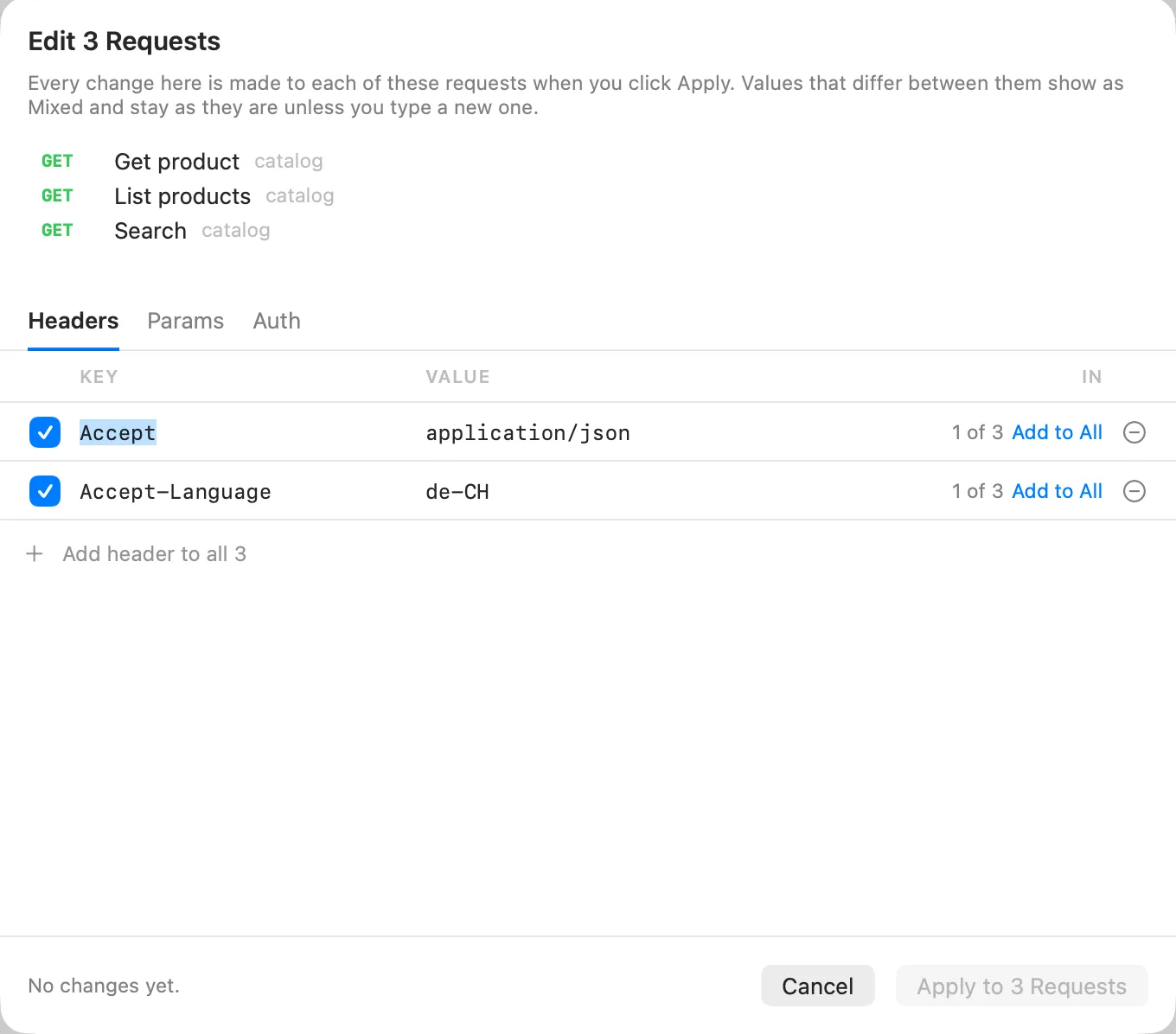
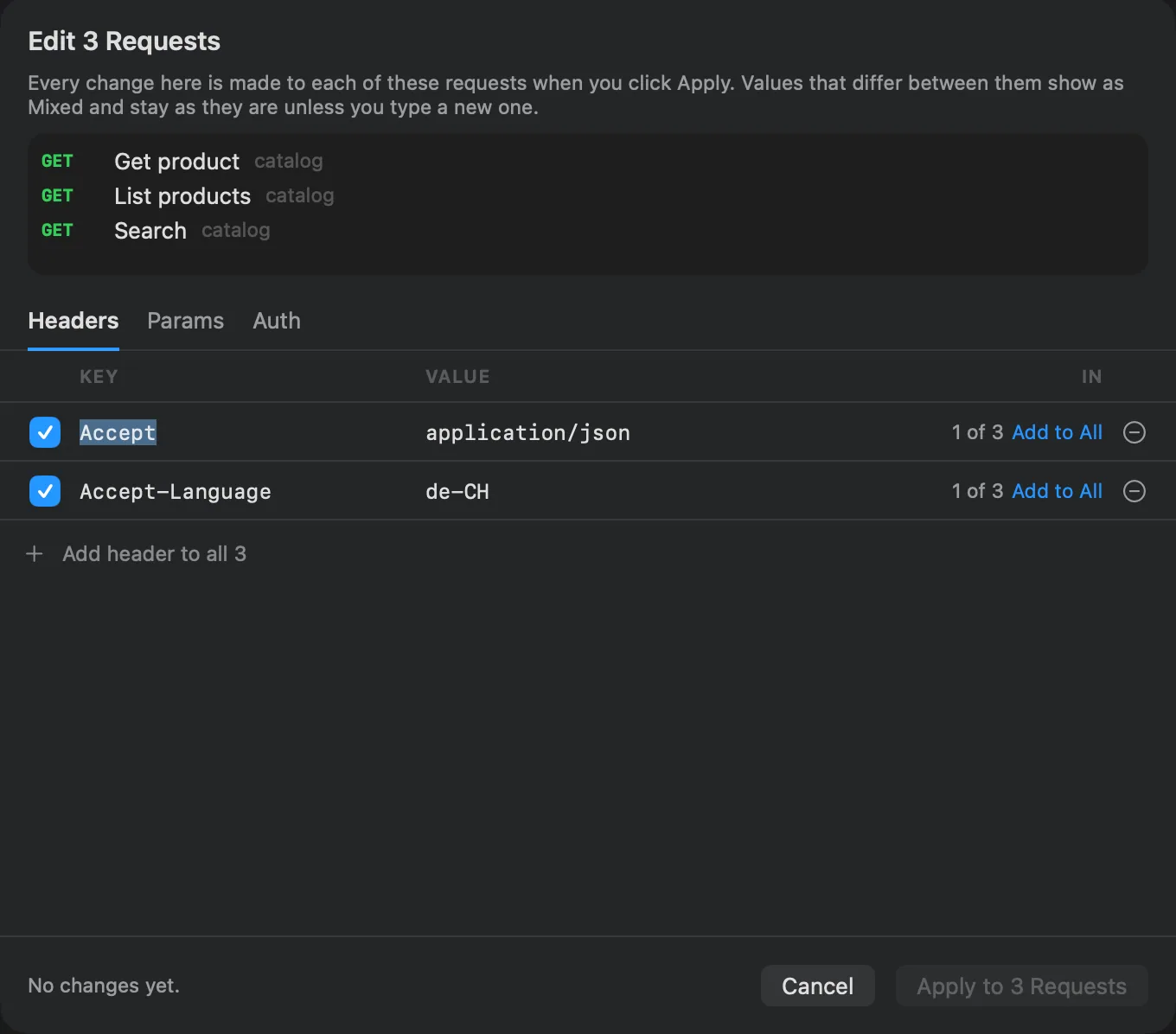
Edit N Requests… opens a sheet with three tabs: Headers, Params and Auth. Every change you make there goes to each selected request when you click Apply to N Requests.
- Headers and Params list every header or parameter any of the requests has. A value the requests disagree on shows as mixed and stays as it is in each, unless you type a new one. A row some requests lack says how many have it, with Add to All to give it to every request. Remove a row to take it out of every request.
- Auth offers Keep each request’s own, Inherit from the folder, No auth, or the same auth as one of the selected requests (Same as “List orders” (Bearer Token)). To give them all new credentials, set the credentials on their folder and choose Inherit from the folder.
The whole change is one step: Edit › Undo takes it back for every request.
Folder settings
Control-click a folder and choose Folder Settings…. The sheet has these tabs:
| Tab | What it sets |
|---|---|
| Auth | Auth for every request inside that doesn't set its own. Inherit (the default) passes the auth from the folder above, or the workspace's, down. |
| Variables | Variables for every request in this folder. They override the workspace's and the environment's. |
| Scripts | A pre-request and a test script that run around each request in this folder. |
| Docs | Notes about the folder, kept in its _folder.toml. Also Offer these requests to agents as tools: see agents. |
Click Done to save. Closing the sheet another way, or closing the window, keeps your edits too.
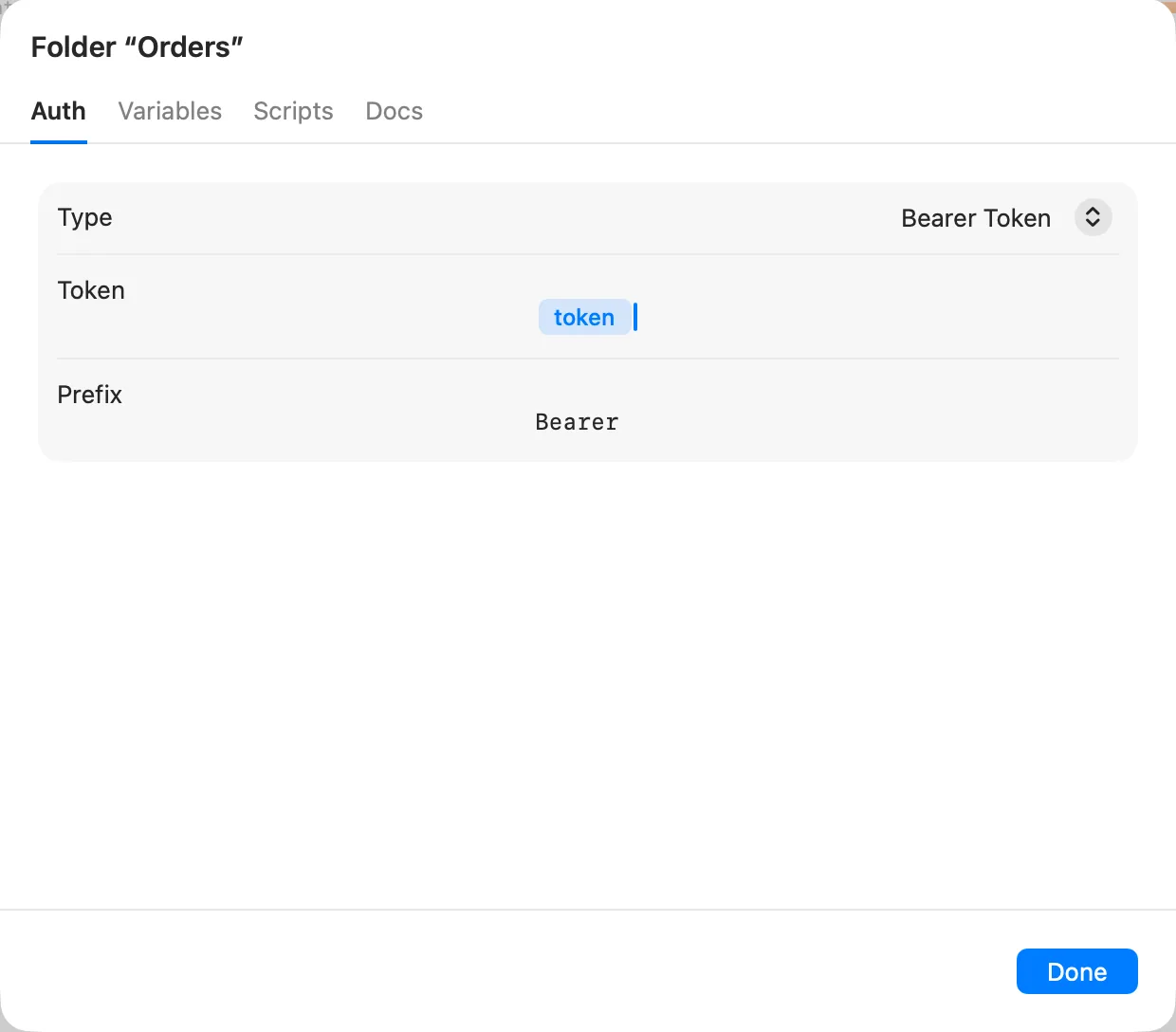
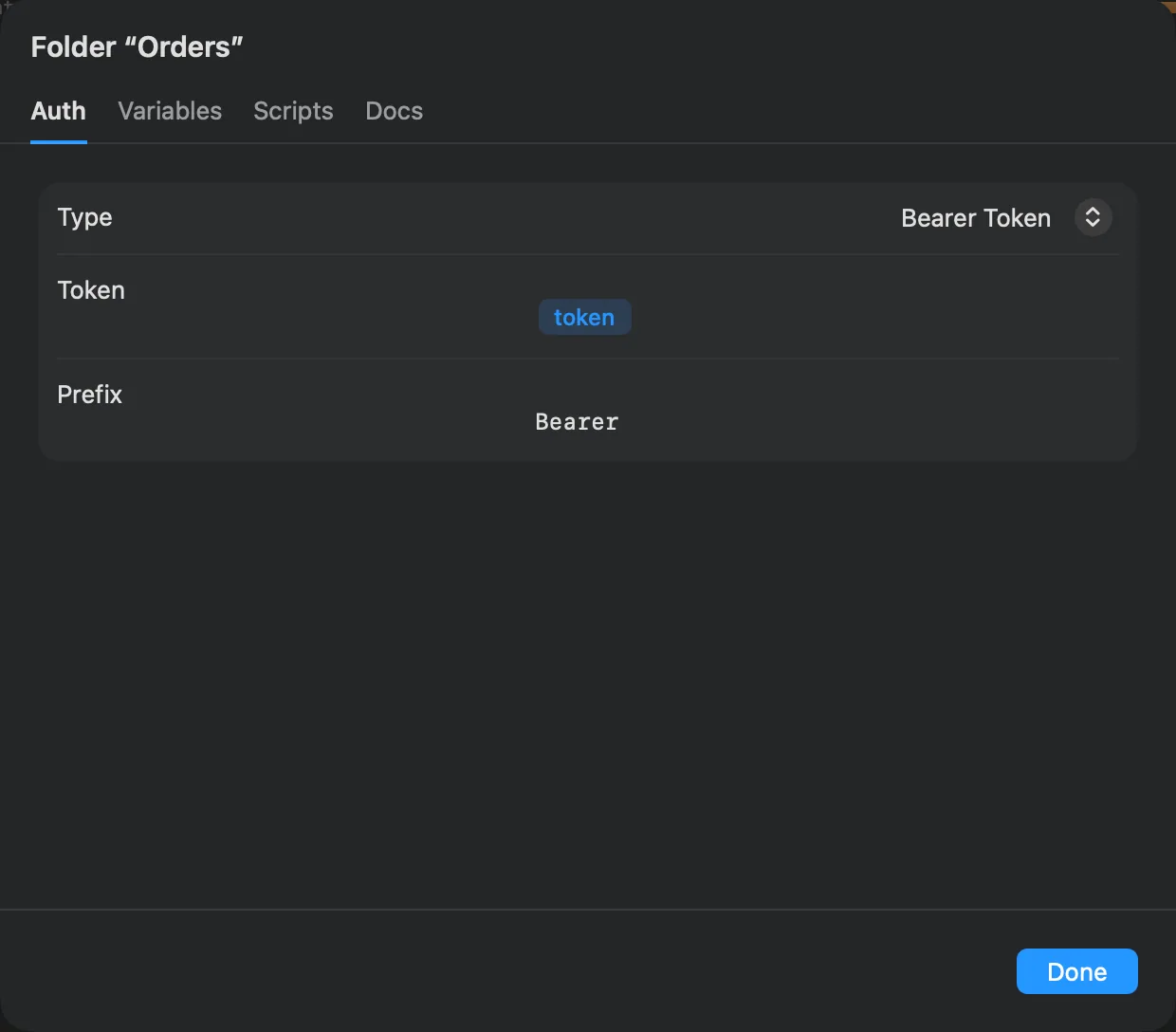
In Alpenglow, the Orders folder sets Bearer auth with {{token}}, so every request in it sends the token that
Auth › Sign in captured. A request that sets its own auth uses that instead.
Workspace settings
Workspace settings are the top of the chain: what every request in the workspace inherits. Open them with Workspace Settings… in the workspace switcher, or Control-click empty space in the requests tree.
| Tab | What it sets |
|---|---|
| Auth | The default auth for every request. |
| Variables | Workspace variables, the defaults that environments, folders and requests override. The same list as Workspace on the Environments page. |
| Scripts | Scripts that run around every request. |
| Agents | The rules for AI agents in this workspace. See agents. |
| Proxy | Use the app's proxy setting, or a proxy for this workspace that goes with it to teammates and the command-line tool. See request settings. |
| Certificates | CA certificates to trust and client certificates to present, by host. See request settings. |
How requests inherit
For auth, a request uses the first of these that sets something: the request itself, its folder, the folders above it from the nearest outwards, then the workspace.
Variables add up instead: the request sees the variables of every level, and where two levels define the same name, the closer one wins. The order is in environments.
Scripts run in order around a request: the workspace's first, then each folder's from the outside in, then the request's own. See scripts and tests.
Headers are not inherited from folders; set shared headers with Edit N Requests…, or in a pre-request script.
Moving a request changes what it inherits
A request takes the auth, variables and scripts of the folder it is in. Move it to another folder and it takes that folder's. Check its Auth tab after a move if it relied on its old folder's auth.
Deleting folders
Move to Trash… on a folder asks first and says how many requests it holds. The folder, its settings and every request inside go to the Trash in the Finder. Edit › Undo brings them back.