 Echolot
Secrets
Keep passwords, tokens and keys in the Keychain instead of workspace files, and give them to the command-line tool and CI.
A secret is a variable whose value stays in the Keychain on your Mac. The workspace file holds only its name, so you can commit the workspace and share it without sharing your credentials. Use secrets for passwords, tokens, API keys and anything else you wouldn't paste into a chat.
Make a variable secret
- Open the variable's table: the Environments page, Folder Settings… › Variables, or the request's Variables tab.
- Add the variable, or find it, and check Secret.
- Type the value in the field (it reads Not set on this Mac) and press ↩ or click Save.
The field never shows the value again. It reads Stored in the Keychain, with a key, once a value is there. To change the value, type a new one and save it.
Use a secret like any variable: {{token}}.
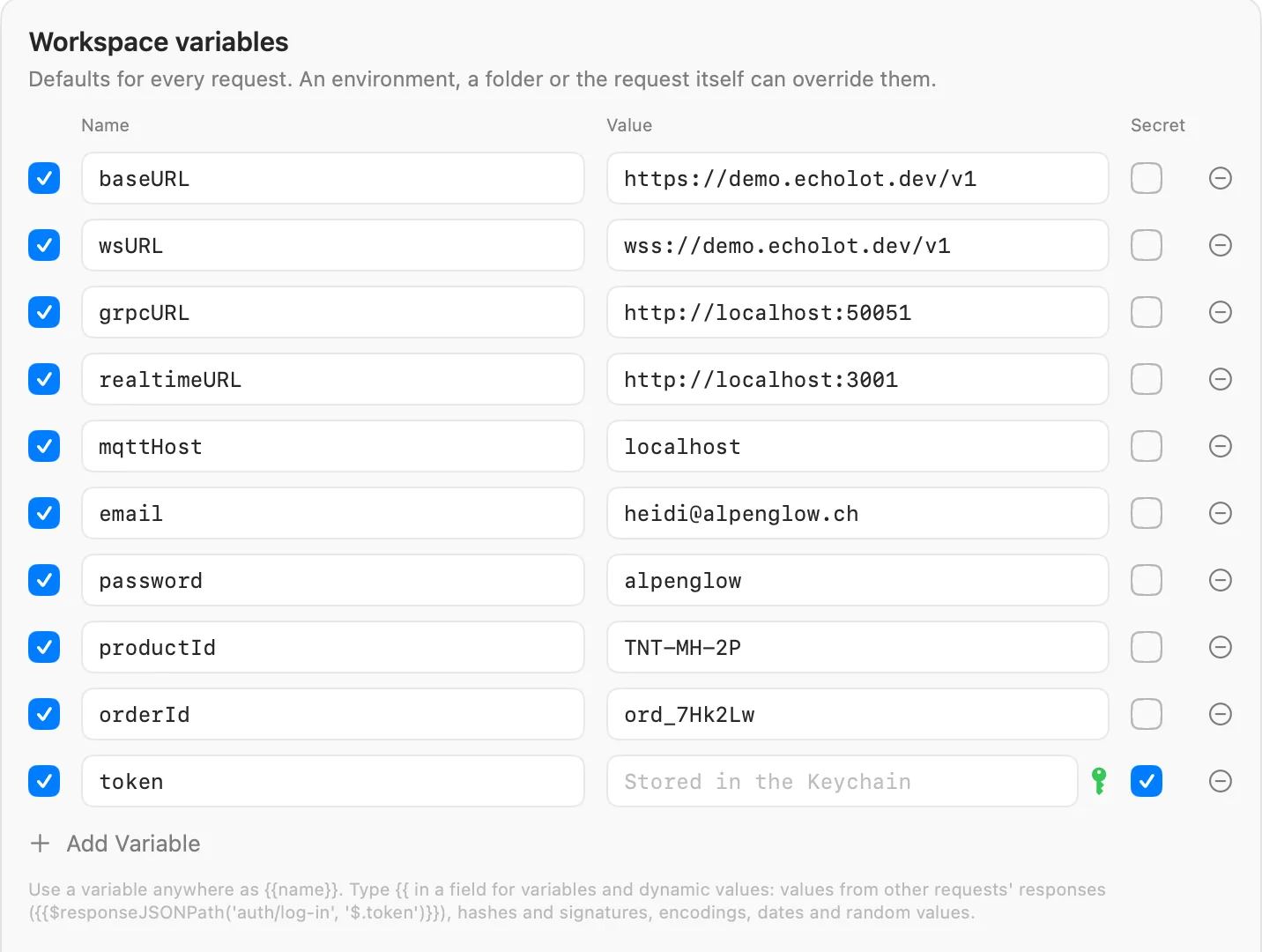
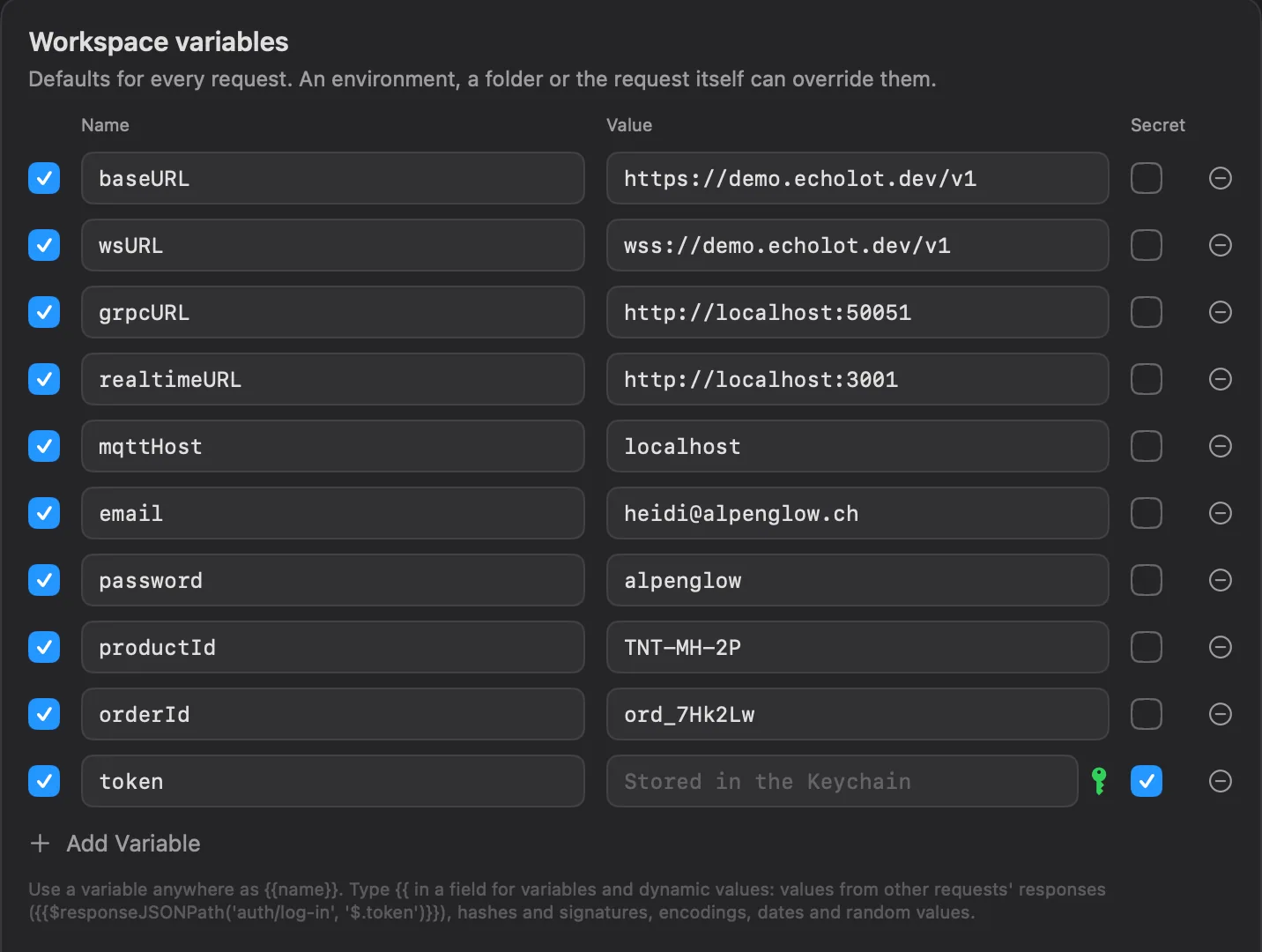
In the file, a secret is a name and a flag, with no value:
[[variables]]
name = "token"
secret = true
Each level keeps its own value. A secret password in the Staging environment and one in Production are two Keychain
items, so each environment can have its own password.
Where the values live
Values are kept in your login Keychain, one item per secret, labelled Echolot secret <name>. They belong to the
workspace (by its ID, which is in workspace.toml) and the level the variable is defined at. The command-line tool on
the same Mac reads the same items.
A secret with no value on this Mac doesn't fall back to another level. The request says
the secret {{password}} has no value on this Mac until you set one.
Mac App Store edition
The App Store edition uses the same Keychain. Items the direct download or the command-line tool made may ask once for access; choose Always Allow.
Compare the editionsWhat never goes into files
Echolot keeps these out of workspace files:
- The values of secret variables.
- Secrets that response captures store: a capture marked secret writes to the Keychain only.
In Alpenglow, Auth › Sign in captures
access_tokeninto the secret{{token}}. - OAuth 2.0 tokens and MCP sign-ins.
- Values you move with Move to Keychain (below).
What you type as plain text stays plain text. When an auth or proxy password field holds a literal value instead of a
variable, Echolot warns under it: Saved as plain text in the workspace file. Click Move to Keychain: the value
becomes a workspace secret variable, and the field gets {{name}} in its place.
Secrets are also masked wherever Echolot shows or hands on a resolved request: previews, quick look, the Variables panel, history search and everything agents receive. Generate Code… and Copy as cURL are the exception: they write the request as it would be sent, secrets included.
Imports move credentials into secrets
When you import a Postman collection, an Insomnia export or another file, passwords,
tokens and API keys found in auth settings and credential headers become secret variables. Their values go to the
Keychain, and the request gets {{name}} instead: the request's name and the field, such as {{me_password}}. The
import report lists the names of
the secrets it saved, never the values.
Credentials written in addresses (https://user:pass@…), query strings and bodies are not moved yet. Check those
after an import.
Exports leave values out
An export writes secret variables by name only, with no value, in every format. The person who opens the export sets the values on their side.
Secrets on the command line and in CI
The command-line tool looks for a secret's value in this order:
- A
--secretsfile given toecholot run: lines ofNAME=value. - An environment variable
ECHOLOT_SECRET_<NAME>: the name in capitals, with every character other than a letter or a digit turned into_.{{token}}readsECHOLOT_SECRET_TOKEN;{{api-key}}readsECHOLOT_SECRET_API_KEY. - On a Mac, the Keychain items the app keeps.
ECHOLOT_SECRET_TOKEN=… echolot run Alpenglow.echolot --folder orders
echolot run Alpenglow.echolot --env staging --secrets staging.secrets
The Keychain is skipped when CI is set, and when ECHOLOT_KEYCHAIN=0. In CI, set
ECHOLOT_SECRET_… variables from your CI's secret store. See CI.
A secret found in the environment counts for every level: ECHOLOT_SECRET_PASSWORD answers {{password}} in any
environment.
Imports on the command line move credentials into secrets as the app does. Without a Keychain, the tool says which
ECHOLOT_SECRET_… variables to set.
A teammate's first open
A teammate who clones the workspace gets every secret's name and none of the values. Their tables read Not set on this Mac. They set their own values once, and from then on everyone works from the same files with their own credentials. See Git and teams.