 Echolot
Troubleshooting
The problems people meet most, the message Echolot shows for each, why it happens and what to do.
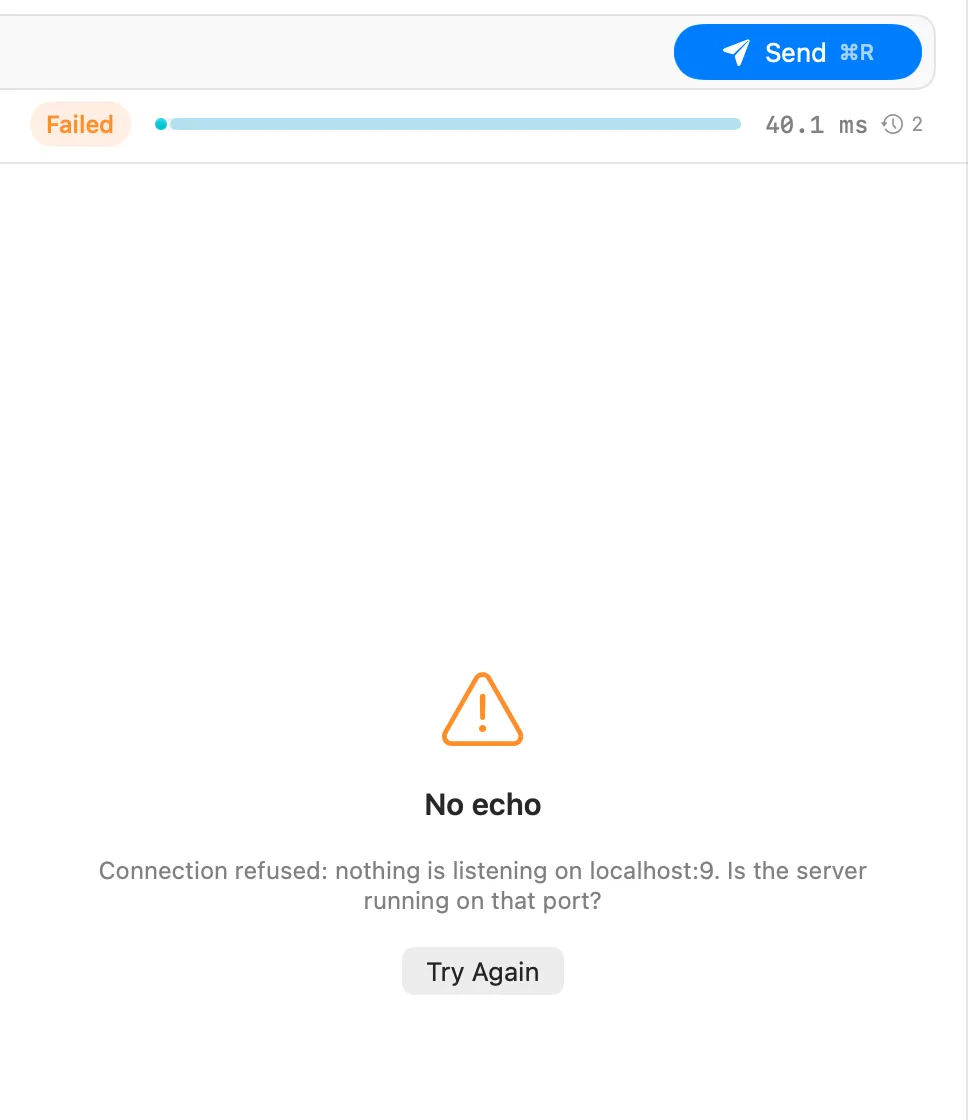
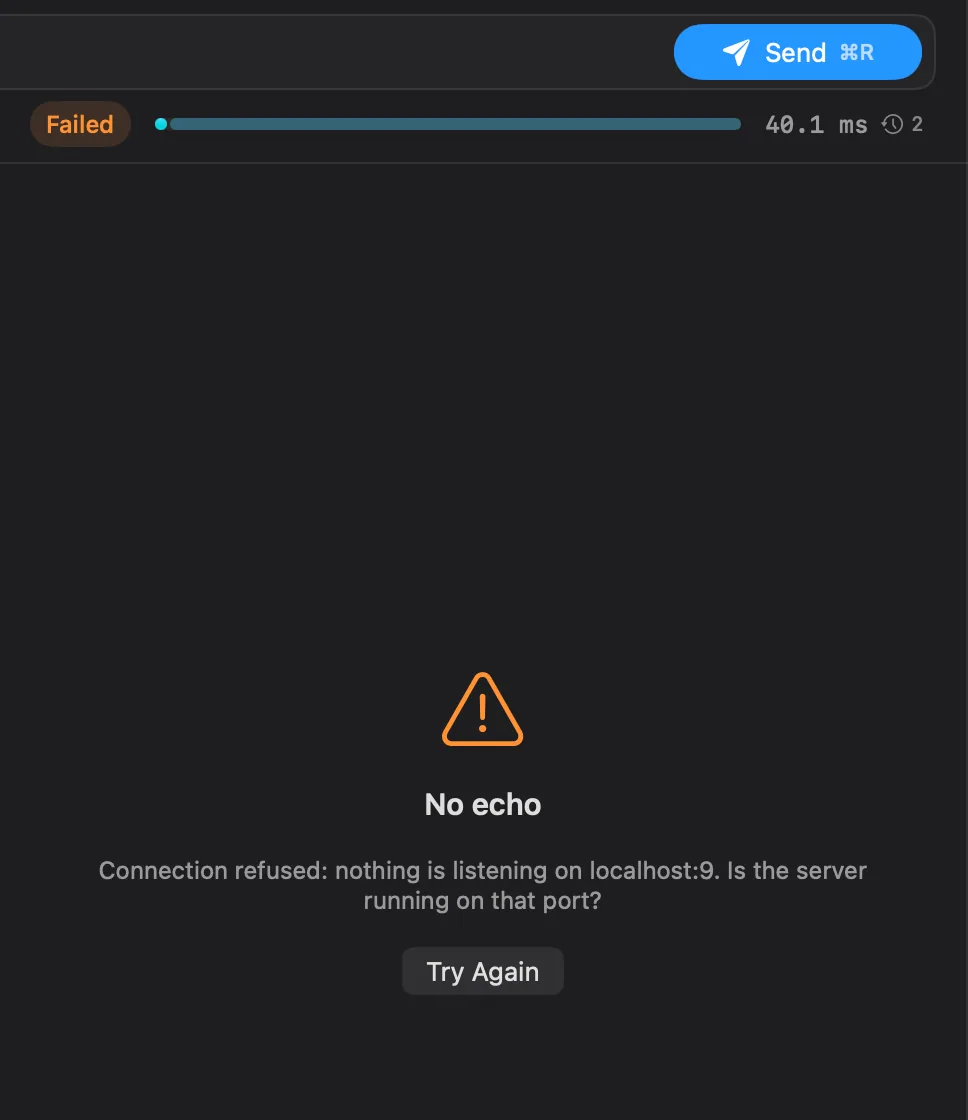
When a send fails, the response pane says No echo and explains what went wrong in plain words, with what to try next. Try Again sends once more. The raw error stays in the Wire view. Find the message below.
Connecting
The server's machine answered, but no program accepts connections on that port.
- Check that the server is running, and on the port in the address. A local server on
3000isn't reached atlocalhost:8080. - Check the address after variables are filled in: rest the pointer on a
{{variable}}pill to see its value, and check which environment is active in the page header. - A server inside Docker or a virtual machine needs its port published to the Mac.
The name doesn't resolve to an address. Check the spelling, your network and any VPN. A host that only exists inside a company network needs that network or its VPN.
No answer from … in time means the connection was made but the response took longer than the request's timeout. If the server is slow, raise Timeout in the request's Settings tab. Could not connect to … in time means the connection itself didn't open: a firewall, a VPN, or a server that is down.
Echolot reuses open connections. The server closed one just as the request went out, and no response came back.
For requests that may be sent twice (GET and other safe or idempotent methods, or a request with an
Idempotency-Key header), Echolot retries once on a new connection by itself. For others, such as a POST, it does
not, because the server may already have applied the request: check before sending it again.
Unreachable means the network has no route to the server: check Wi-Fi, the network and any VPN. Reset the connection means the server or something in between dropped it, often a firewall or a server that refuses the protocol (for example plain HTTP sent to an HTTPS port).
The demo API is shared and limits each address to 120 requests a minute, and 10 a minute
for its large, slow and streaming endpoints (the export, bytes, delay, WebSocket and SSE). Wait the number of
seconds in the Retry-After response header and send again. A Runner run with many iterations against the demo
reaches the limit quickly; lower the iterations.
TLS and certificates
The server's certificate is self-signed, has expired, or isn't signed by an authority your Mac trusts. The message says which.
- For a company or development authority, add its CA certificate for that host in Workspace Settings › Certificates rather than turning checks off. See Request settings.
- For a development server only, turn off Verify TLS certificates in the request's Settings tab.
The certificate is valid but names another host. Use the host name the certificate was made for, or fix the certificate on the server.
The TLS handshake with the server failed. The text after the colon is the TLS library's own reason. A common cause is a server that wants a client certificate: add one for that host in Workspace Settings › Certificates.
The certificate settings point at a file that moved, or at a file in another format. Choose the file again in Workspace Settings › Certificates; Echolot reads PEM certificates.
Proxies
Settings › Network › Proxy decides:
| Choice | Meaning |
|---|---|
| System Settings | HTTP, HTTPS and SOCKS proxies from System Settings › Network, with their exceptions. Automatic proxy configuration (PAC) is not used. |
| None | Every request connects directly. |
| Manual | HTTP, HTTPS and SOCKS5 proxies you enter, with User name, Password (kept in the Keychain) and Go direct to for hosts that skip it. |
A workspace can set its own proxy in Workspace Settings › Proxy, which wins over the app's. If your company uses
a PAC file, enter its proxy under Manual. The command-line tool reads HTTPS_PROXY, HTTP_PROXY and NO_PROXY.
The proxy needs you to sign in. Add a User name and Password to the proxy in Settings › Network or the workspace's proxy settings.
The proxy works, but won't or can't reach that server: its rules block it, or the server is down from where the proxy is. If the server is local or internal, add it to Go direct to.
HTTP/3
HTTP/3 works on macOS 27 and later. On an older macOS, choose HTTP/2 or Automatic in the request's Settings tab.
Echolot doesn't send HTTP/3 through a proxy (the system's included, as browsers do), with custom CA files or with client certificates. Choose HTTP/2 or Automatic for that request. On Automatic, Echolot switches to HTTP/3 by itself only when a server offers it and nothing stands in the way, and falls back to TCP if the QUIC connection can't open.
MCP servers
The server's check shows Server starts as failed.
- Approve it first. Echolot starts a local server's command only after you approve it with Trust and Check
on the MCP Servers page. Until then, calls say
Echolot has not started the MCP server “…” before. Review its command on the MCP Servers page and trust it first.A change to the command, arguments or environment asks again. - Command not found. The fix reads
Check that “npx” is installed and on the PATH, or give its full path.Echolot starts servers with the PATH of your login shell, sonpx,uvxand version managers' shims that work in a new Terminal window work in Echolot too. If the command only works after something your shell does interactively, give its full path (find it withwhich npxin Terminal). - It starts, then stops. Run the same command in Terminal to see why; the server's error output is also in the message log.
See Adding servers.
You're in the Mac App Store edition, which can't start programs on your Mac. The server stays in the workspace. Add
the server over HTTP if it offers that, run it with the command-line tool (echolot mcp check -- <command>), or use
the direct download. See Editions.
The check's fix line says what to do: Sign In for a server that asks for OAuth, an Authorization header for one
that wants a token, or the right path (MCP endpoints are often /mcp) for a 404.
Files and scripts
In the Mac App Store edition, Echolot can read a file outside the workspace only after you chose it. This happens
with a body streamed from a file, a form part, a client certificate or a .proto file whose path was written outside
Echolot. Choose Allow Access… on the failed response, pick the file, and send again; Echolot remembers it.
In the direct download, the message means the file's own permissions don't let you read it.
The request, its folder or the workspace has scripts that came from somewhere else: an import, a git pull, or an
edit outside Echolot. They run only after you trust them. Choose Review Scripts…, read them, and trust them. See
Scripts and tests.
Echolot couldn't write the request's file: the disk is full, the folder is read-only, or the workspace moved. Retry tries again; Keep Editing leaves your edits in the tab, which stays open until they are saved.
Another app or Git changed the file while you had unsaved edits in the tab. Use Theirs drops your edits and loads the file; Keep Mine keeps your edits and writes over the file.
The item was made by another copy of Echolot, the other edition, or the command-line tool. macOS asks once per item; choose Always Allow.
The app and the command-line tool
Released beta builds of the direct download expire 30 days after release, or earlier if the developer ends a build. Download the latest from echolot.dev and install it over the old one: your workspaces open as they are. If the alert says this Mac's date looks wrong, the clock is more than a day behind a date Echolot already saw: set the date and time in System Settings. See Install.
The command-line tool isn't on your PATH yet. Choose Echolot › Install Command-Line Tool…, then open a new Terminal window (an open one keeps its old PATH). Settings › General › Command-line tool shows where the link is; if it shows a warning, the link points to a copy of Echolot that moved: choose Reinstall. In the App Store edition, install the tool on its own; see Command-line tool.
Without a Keychain (Linux, CI, or ECHOLOT_KEYCHAIN=0), the tool reads secrets from environment variables named
ECHOLOT_SECRET_<NAME>, for example ECHOLOT_SECRET_PASSWORD for the secret variable password. Set them in your
CI's secret settings. See CI.
Echolot couldn't make its storage folder, usually for lack of free space or permissions. Responses are kept in a temporary folder until you restart Echolot. Free some space or fix the folder's permissions (Settings › About › Responses and history › Show in Finder shows where it is), then restart.
Still stuck
Help › Report a Bug opens a new issue on GitHub with your Echolot and macOS versions filled in. If Echolot crashed, attach its report: Settings › Privacy › Collect crash reports (on by default) keeps them on this Mac, and Show in Finder opens the folder.