 Echolot
Exporting
Export a workspace or a folder as an Echolot workspace, a Postman, Insomnia or Bruno collection, and a request as cURL, code or HAR.
Export a workspace or one of its folders to give it to someone who uses another tool, or a copy to another Mac. Echolot writes four formats: an Echolot workspace, a Postman Collection v2.1, an Insomnia v5 file and a Bruno collection. Secret values never leave your Keychain.
Export a workspace or a folder
- Start the export:
- The whole workspace: File › Export Workspace… (⇧⌘E), or Export Workspace… in the + menu beside Requests in the sidebar.
- One folder: Control-click it and choose Export Folder…, or select it and choose File › Export Folder….
- Choose a format. Each one says how many of the requests it carries.
- Leave Include environments checked to export the environments too, or clear it.
- Click Export…, choose where, and click Export.
Echolot suggests a format: Postman when it carries every request, otherwise the format that carries the most, and an Echolot workspace when no other format carries any. A format that can't carry any of the requests can't be chosen.
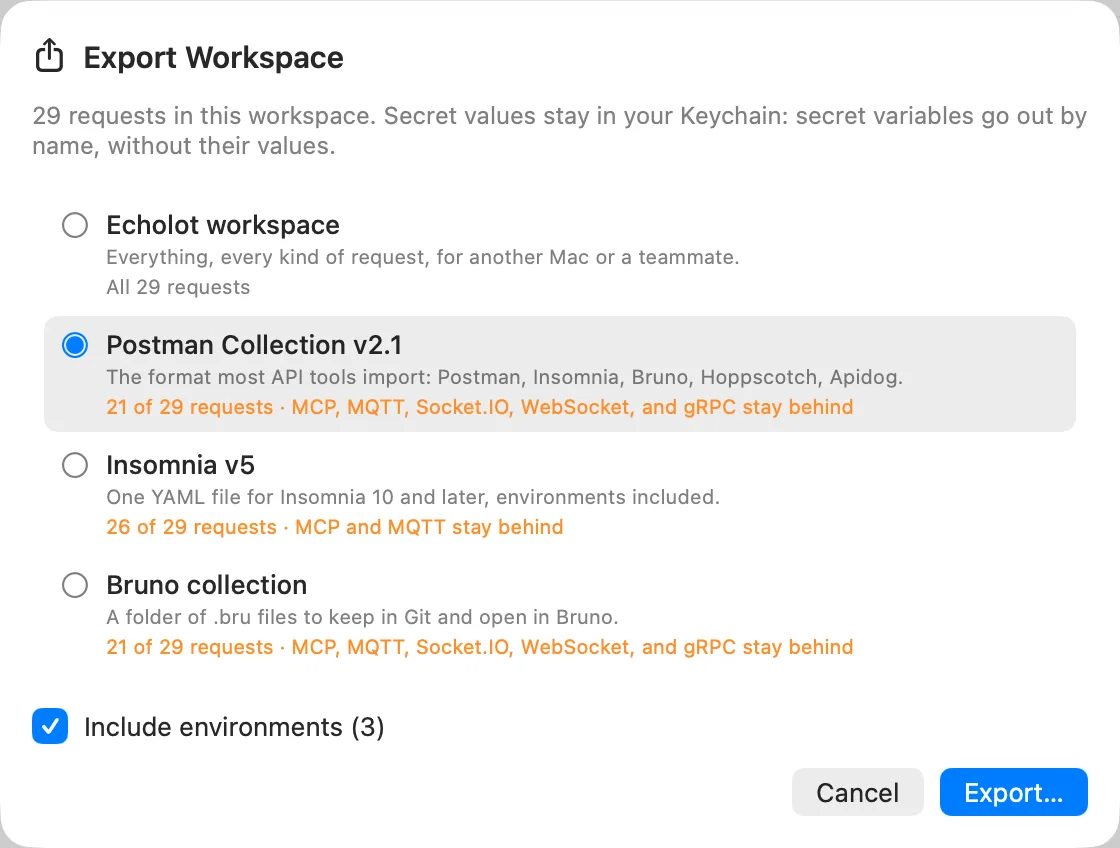
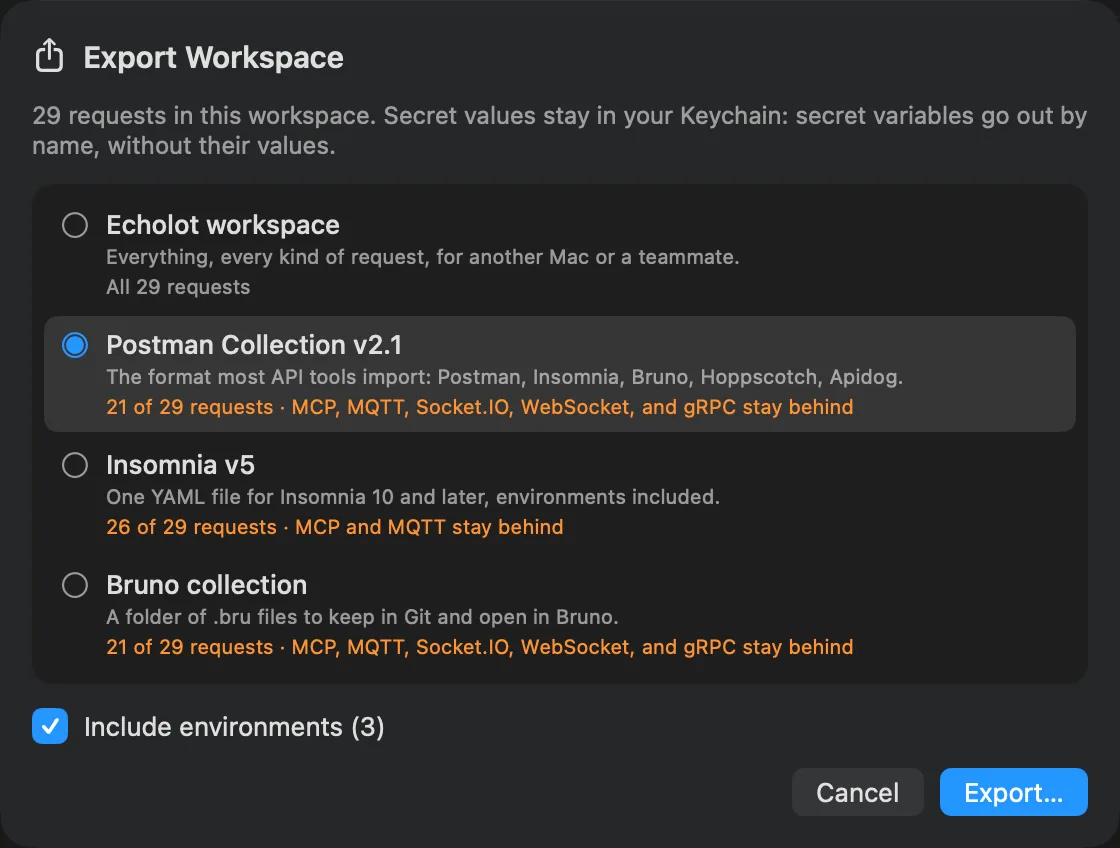
The formats
| Format | What it is for | Request kinds it carries | Written as |
|---|---|---|---|
| Echolot workspace | "Everything, every kind of request, for another Mac or a teammate." | All | A workspace folder (.echolot) |
| Postman Collection v2.1 | "The format most API tools import: Postman, Insomnia, Bruno, Hoppscotch, Apidog." | HTTP, GraphQL | A .postman_collection.json file; a folder when environments go along |
| Insomnia v5 | "One YAML file for Insomnia 10 and later, environments included." | HTTP, GraphQL, WebSocket, Socket.IO, gRPC | A .yaml file |
| Bruno collection | "A folder of .bru files to keep in Git and open in Bruno." | HTTP, GraphQL | A folder |
MQTT requests and saved MCP calls go only into an Echolot workspace. A format shows the kinds it leaves behind before you export. For Alpenglow, Postman shows "21 of 29 requests · MCP, MQTT, Socket.IO, WebSocket, and gRPC stay behind".
What a folder takes with it
A folder exports with what it inherits: the workspace's and the enclosing folders' variables, auth and scripts. The requests then send in the other tool what they send in Echolot.
The report
After the export, the sheet says what was written, such as "Exported 21 requests, 7 folders, 3 environments as Postman Collection v2.1 to …". Two lists follow when there is something to say:
- Left out: every request the format has no place for, and why ("Postman Collection v2.1 has no MQTT requests.").
- Changed on the way: every part that came out different.
Click Show in Finder to see the export, or Close.
What usually changes in Postman, Insomnia and Bruno:
- Response captures are not exported. Other tools set variables from scripts.
- Per-request settings (timeouts, TLS, redirects, HTTP version) are not exported, except where the format has the same setting.
- Checks become the other tool's tests where it has an equivalent. The report counts the ones it doesn't have, such as JSON Schema, OpenAPI and JSONPath filter checks.
- Scripts are written for Postman's
pmAPI. They go to Postman as they are; Insomnia's sayinsomniainstead; Bruno's come across as they are and may need edits for Bruno's API. - Dynamic values the other tool has no equivalent for are kept as written. Replace them before you send there.
- File bodies point at the file's path on your Mac. Choose the file again where the collection is opened.
- Auth the other tool doesn't have is left out or changed, and the report names it.
- GraphQL subscriptions over WebSocket become plain GraphQL requests, and GraphQL file uploads are not exported.
Secrets stay home
Secret variables go out by name, without their values, in every format. The person who opens the export sets the values in their tool.
A password, token or key typed straight into an auth or header field, not kept in a secret variable, is written in clear. The report counts them: "1 password, token or key is written in clear…". In Alpenglow, that is the OAuth 2.0 client secret of Auth › Orders with OAuth 2. Move such values to the Keychain before you share the file. See secrets.
An Echolot workspace copy
An export as Echolot workspace is a new workspace, with an ID of its own, so it shares no Keychain secrets with yours.
- A whole workspace takes everything: requests, environments, MCP servers, specs, mocks, flows and shared Assistant conversations.
- A folder takes the environments, MCP servers and specs, and keeps its place: the folders above it come along, each holding only the next one down, so what it inherits and the references between its requests still hold. Flows, mocks and shared Assistant conversations stay with the workspace; the report says so.
Git's own folder and the Finder's .DS_Store files are not copied.
Where an export may go
Echolot never writes an export over, into or around the workspace it comes from. When you choose a file or folder that already exists, Echolot moves the old one to the Trash and writes the export in its place.
On the command line
echolot export writes the same formats:
echolot export alpenglow.postman_collection.json -w Alpenglow.echolot --format postman
echolot export orders-bruno -w Alpenglow.echolot --format bruno --folder orders --no-environments
--format is echolot, postman, insomnia or bruno. What a format has no place for is named on standard error.
See import and export.
Copy a request as code
From the request page, for the request that is open:
- Request › Copy as cURL (⌥⌘C) puts a
curlcommand on the pasteboard, with variables and secrets resolved. - Request › Generate Code… (⌥⌘G) shows the request as code, with its variables resolved. Scripts do not run, and secrets appear as they are. Pick a language, then Copy or Save….
Generate Code knows cURL, Swift (URLSession), JavaScript (fetch and axios), TypeScript (fetch), Python (requests and httpx), Go (net/http), Kotlin (OkHttp), Java (HttpClient), C# (HttpClient), PHP (cURL) and Rust (reqwest).
To add a language, click Open Templates Folder and put a .template file there. Its first line names it in the
list, as a comment: {{! Ruby · Net::HTTP }}. A template with the same file name as a built-in one, such as
python-requests.template, replaces it.
Code and cURL commands hold the request's secrets in clear. Don't paste them where others can read them.
Export an exchange as HAR
To keep or share one exchange as it happened, choose Request › Export Exchange as HAR…, or Export Exchange as HAR… in the save menu above the response body. The HAR file holds the request and the response.
The Runner exports every exchange of a run as one HAR file, and echolot run --reporter har
does the same on the command line.
The save menu above the response body also has Save Body…, Open in Default App and, for a compressed or gRPC response, Save Encoded Body…: the bytes as they arrived.
Specs export from the Specs page.