 Echolot
GraphQL
Write GraphQL queries with completion from the schema, build them by ticking fields, and read errors, subscriptions and incremental results.
A GraphQL request holds a query, its variables and the schema it is written against. Echolot uses the schema to complete fields as you type, to mark mistakes before you send, and to show the types beside the response.
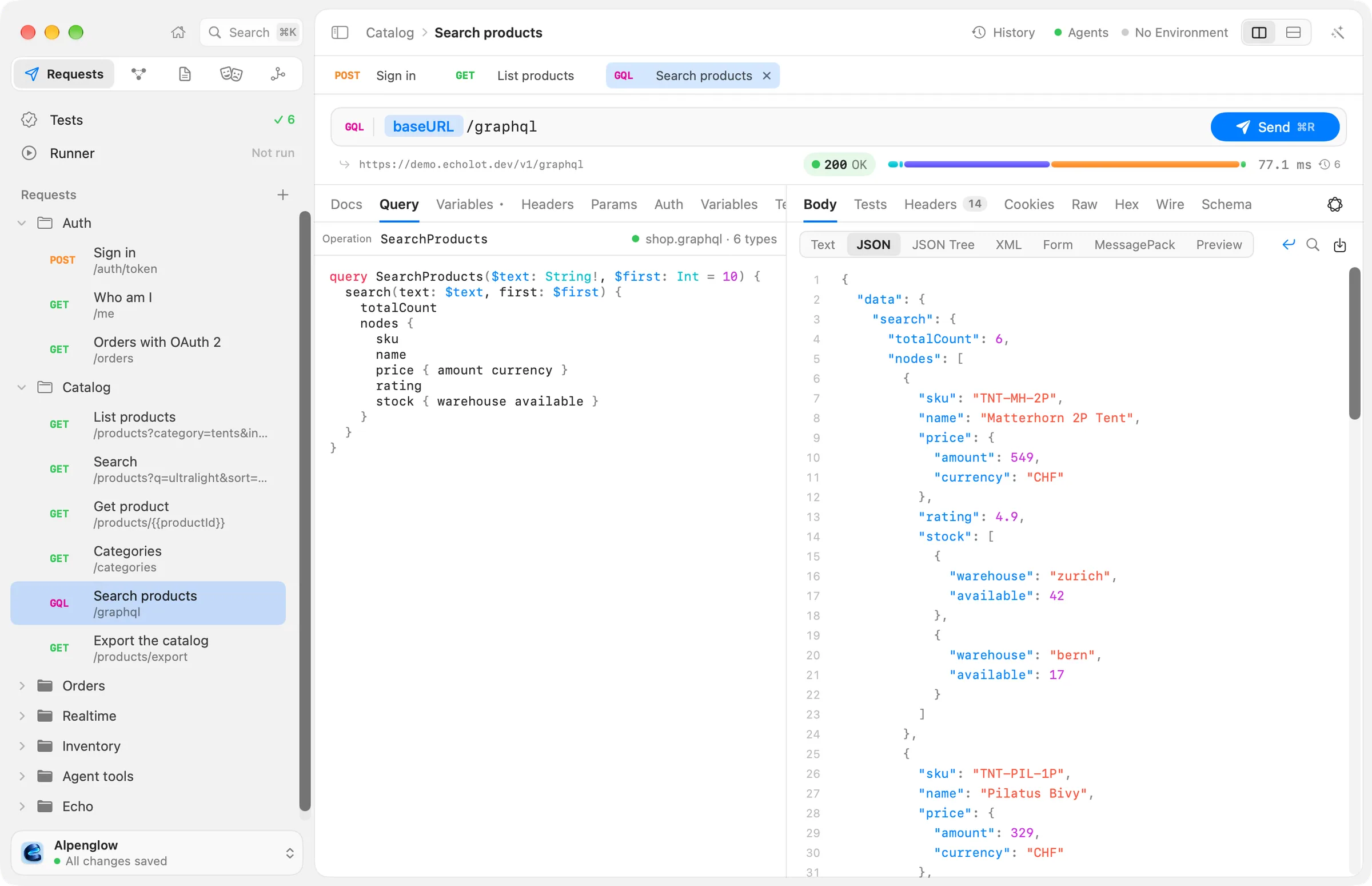
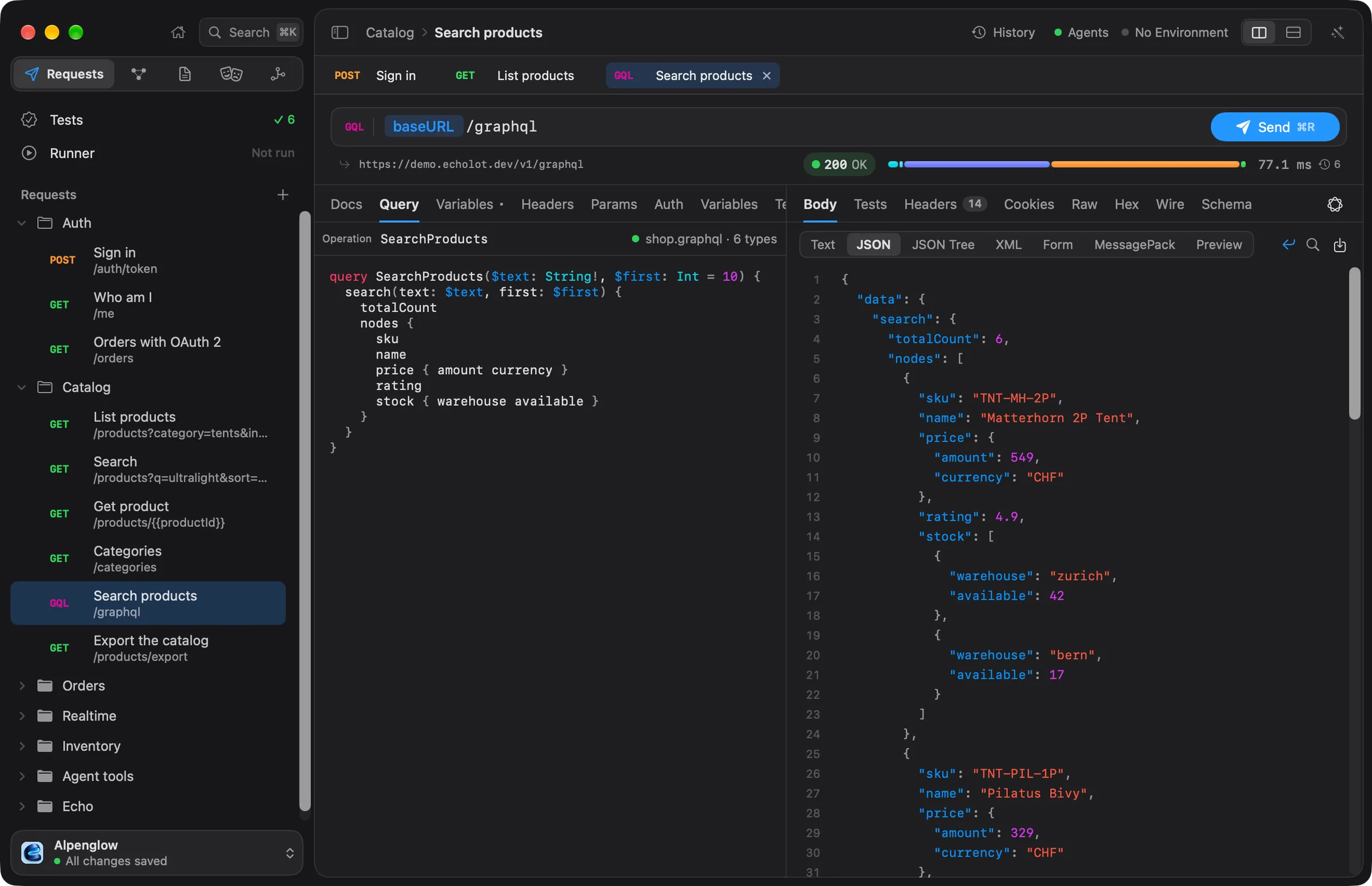
Create a GraphQL request
Choose File › New GraphQL Request, or New GraphQL Request from the + menu beside Requests in the
sidebar. Type the endpoint into the address field: for the demo shop, {{baseURL}}/graphql. The Alpenglow
workspace has one ready: Catalog › Search products.
The editor has these tabs: Docs, Query, Variables, Headers, Params, Auth, Variables (the request's own variables), Tests, Scripts and Settings. Headers, auth, tests and scripts work as for HTTP requests.
Query and variables
Write the query in the Query tab:
query SearchProducts($text: String!, $first: Int = 10) {
  search(text: $text, first: $first) {
    totalCount
    nodes { sku name price { amount currency } rating stock { warehouse available } }
  }
}
and its variables as JSON in the Variables tab. {{variables}} work inside the JSON:
{
  "text": "{{searchTerm}}"
}
When the document holds several operations, type the one to send in Operation above the query. Leave it empty for a document with one operation.
Send with Send or ⌘R.
How the request is sent
The GQL badge before the address is a menu. Under Send as:
| Choice | What it sends |
|---|---|
| POST (JSON body) | A POST with query, variables and operationName as JSON. The usual way |
| GET (in the URL) | query, variables and operationName as query parameters, for servers that cache GET requests |
| WebSocket (graphql-transport-ws) | A WebSocket with the graphql-transport-ws protocol, for subscriptions |
Two switches below:
- Persisted queries (APQ) sends the query's SHA-256 hash first, without the query. When the server answers that it doesn't know the hash, Echolot sends again with the query, so the server can keep it.
- Batch every operation sends every named operation of the document together, as one JSON array.
The schema
The schema menu sits at the right of the Query tab. It shows the schema file and its number of types,
such as shop.graphql · … types, or No schema.
- Fetch from Server runs the introspection query against the request's address and keeps the result as a file in
the workspace's
specs/folder. Choose it again to refresh the schema. - Use Schema lists the schema files already in the workspace (
.graphql,.graphqlsand.json), to pick one. - Add a Schema File… takes an SDL file (
.graphql) or an introspection result (.json) from your Mac. - Show Schema Explorer opens the schema beside the response.
- Stop Using This Schema takes the schema off the request.
A schema file in specs/ can be shared by every GraphQL request against that server, and committed with the
workspace. When a fetch replaces a schema file and the schema changed, The schema changed lists the changes as
Breaking, Dangerous and Safe, such as a removed field or a new required argument. Breaking changes are
those that make queries using what was removed or changed fail. On the command line, echolot graphql diff
compares two schemas the same way: see echolot graphql.
When the schema can't be read, the menu shows Schema problem, and the bar under the query says why.
Completion, problems and hover
With a schema, the query editor helps as you type:
- Completion offers fields, arguments, input fields, types, enum values, variables, directives and fragments that fit where the cursor is, with their documentation. Deprecated ones are marked.
- Problems are underlined as you type: unknown fields, wrong argument types, missing required arguments and more. The bar under the query shows the first one and counts the errors and warnings; point at it to read them all.
- Hover over a field or type to see its signature and documentation, and whether it is deprecated.
- ⌘-click a field or type to open its type in the schema explorer.
The schema explorer and the builder
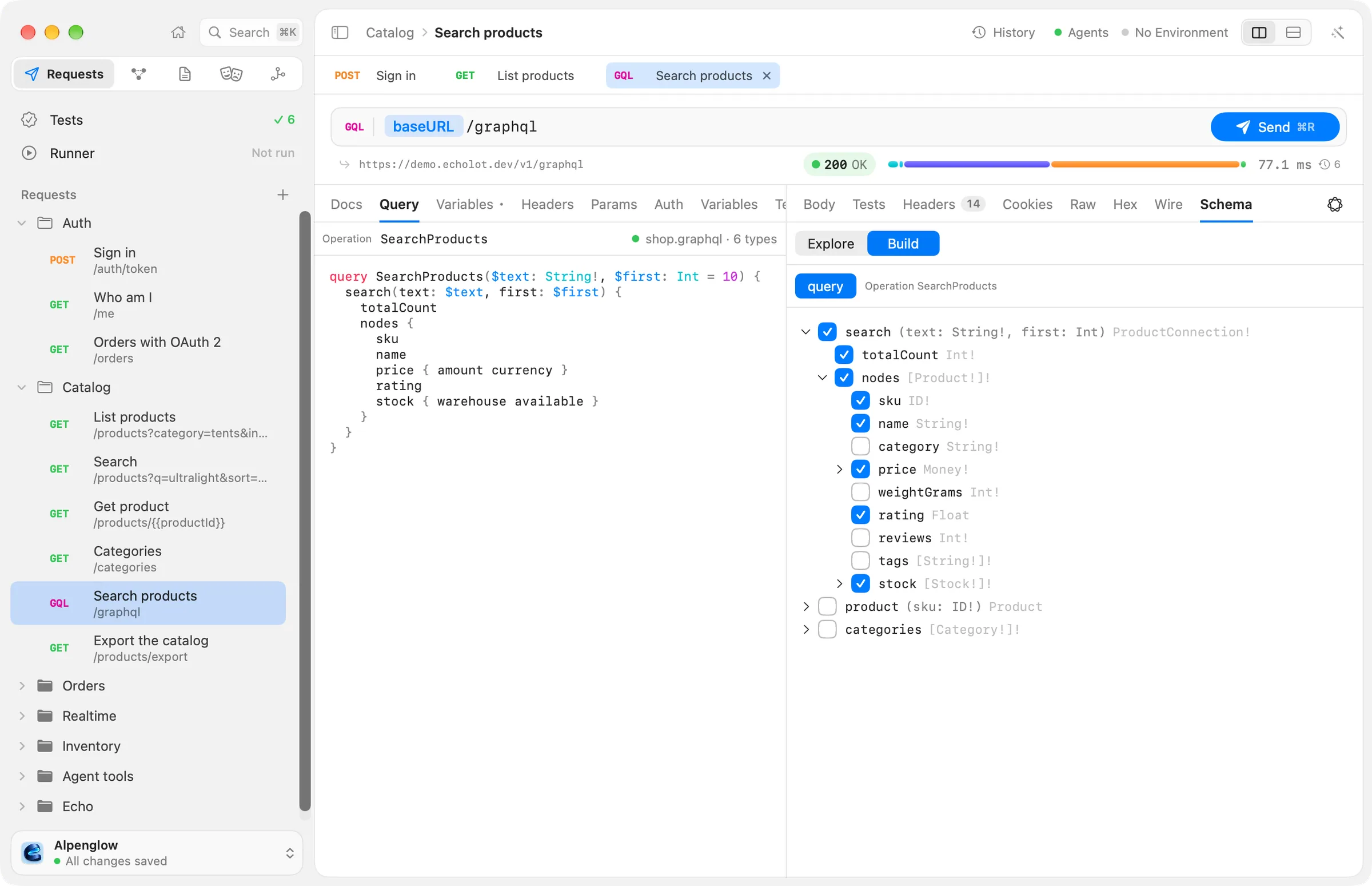
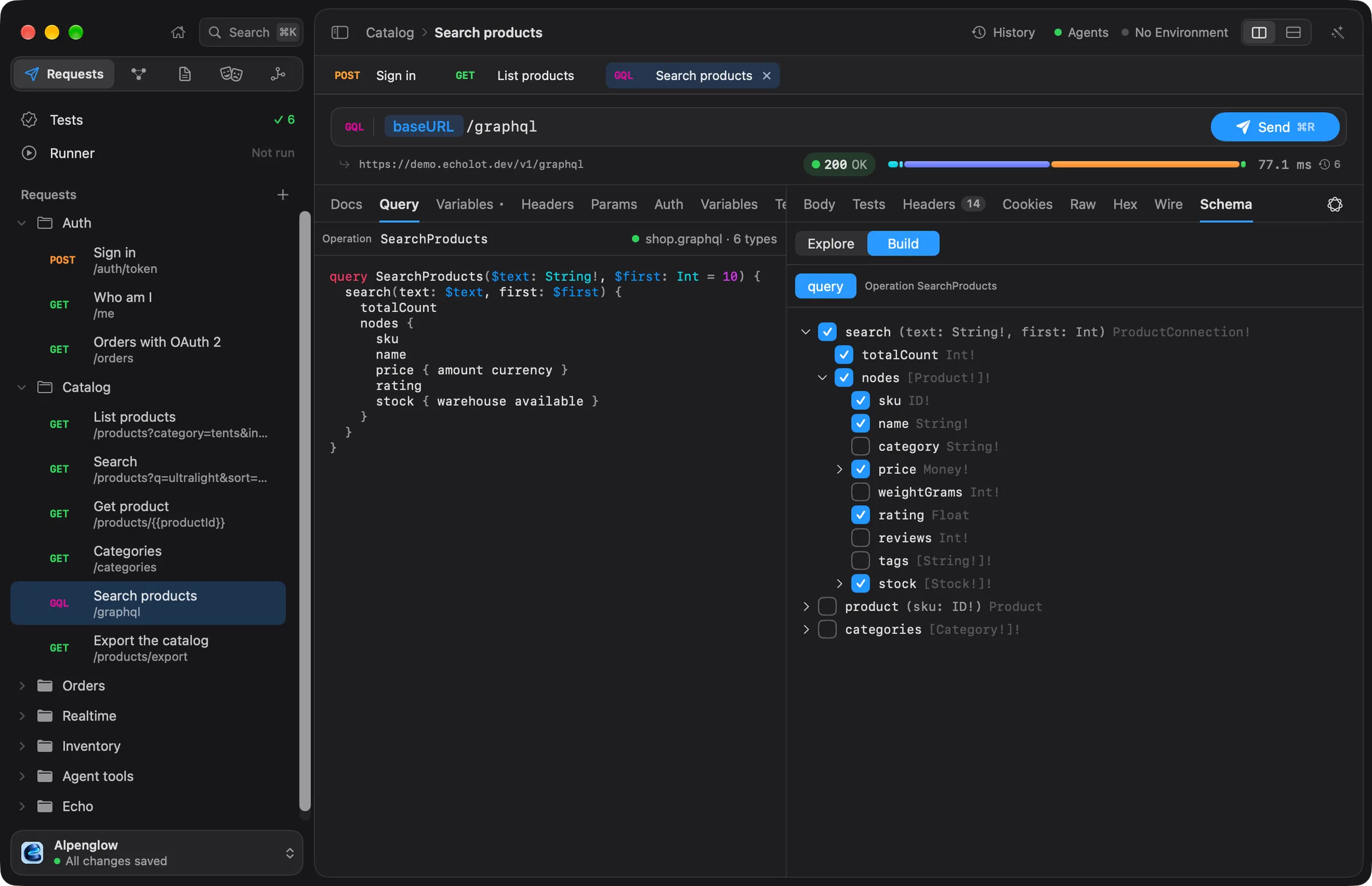
The response pane's Schema tab shows the request's schema, even before the first send. If the request has no schema yet, choose Fetch from Server there.
Explore starts at the Entry points (Query, Mutation and Subscription). Click a type to see its fields, input fields, enum values, or the types that implement or belong to it, with deprecations marked. Back returns to the type before. Search types and fields finds anything in the schema by name.
Build writes the query for you. Pick query, mutation or subscription under Operation, then tick fields in the tree: each tick adds the field to the query text, and unticking takes it out again. What you typed around it stays. The builder works on the operation named in Operation, or on the first operation of that kind in the document; when there is none, it adds one.
Responses
The response appears in the Body tab as JSON, like any response. Echolot also reads what GraphQL says beside the data:
- N GraphQL errors in the response summary: the server sent an
errorsarray, even with HTTP 200. Click it to read each message and the path it belongs to. - Partial data: data came back together with errors, so some fields are
nullbecause they failed. - Extensions: the response's
extensions, such as tracing or cost information.
Add a GraphQL errors check that equals 0 in the Tests tab to make a run fail on them. See
scripts and tests.
Subscriptions and incremental delivery
A subscription keeps sending results until it ends:
- Over HTTP (POST or GET), Echolot asks for server-sent events when the operation is a subscription.
- Over WebSocket (graphql-transport-ws), Echolot opens the WebSocket, sends the subscription with the request's headers and auth, and answers the server's pings.
A query with @defer or @stream comes back in parts (multipart/mixed).
In both cases the response pane gets an Events tab: each event or part in order, numbered, with its kind (such as
next or part), its id and its errors. For @defer and @stream, Merged result at the top shows the first
result with every later part applied. The tab follows new events while the stream runs, with Listening… Stop ends
it. Choose Cancel (⌘.) to end it. A stream that has started is not cut off by the
request's total timeout.
File uploads
For a mutation with an Upload variable, add the file under Files for variables in the Variables tab:
- Choose +.
- Type the variable, such as
file, orfiles.0for the first item of a list. - Type the file's path, relative to the workspace.
The POST then follows the GraphQL multipart request spec: the variable is null in operations, and the file goes
in a part of its own.