 Echolot
Chain requests
Sign in once, store the token, and send it from every request that needs it, with dynamic values and an Idempotency-Key.
Most APIs want a token you get by signing in. In this tutorial you store the demo shop's token in a variable from the
sign-in response, send it from a whole folder through its auth, read a value out of one response into the next
request, and place an order safely with an Idempotency-Key.
- Time: 15 minutes.
- You need: the workspace from Your first workspace, with the Demo environment chosen and the Auth › Sign in request. Alpenglow already has all of this built; open it to compare.
- You learn: response captures, inherited auth, dynamic values and response values.
1. Store the token from the sign-in response
- Open Auth › Sign in and send it (⌘R).
- In the response's Body tab, switch the view to JSON Tree.
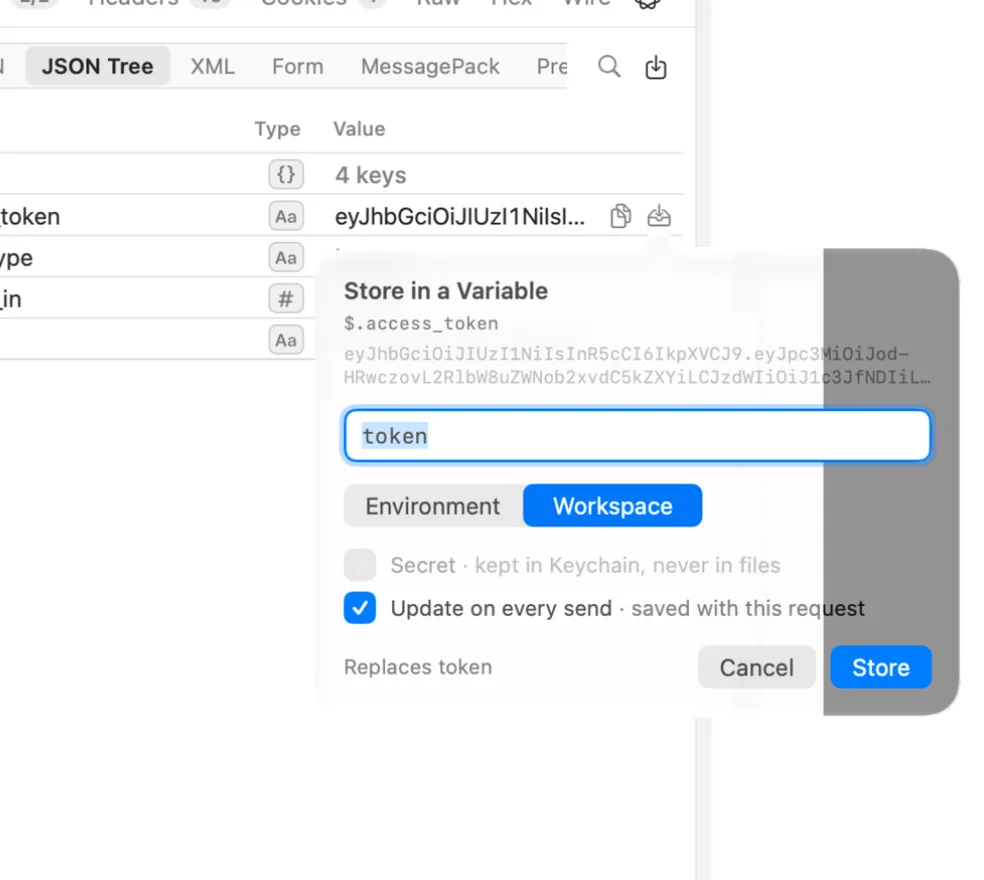
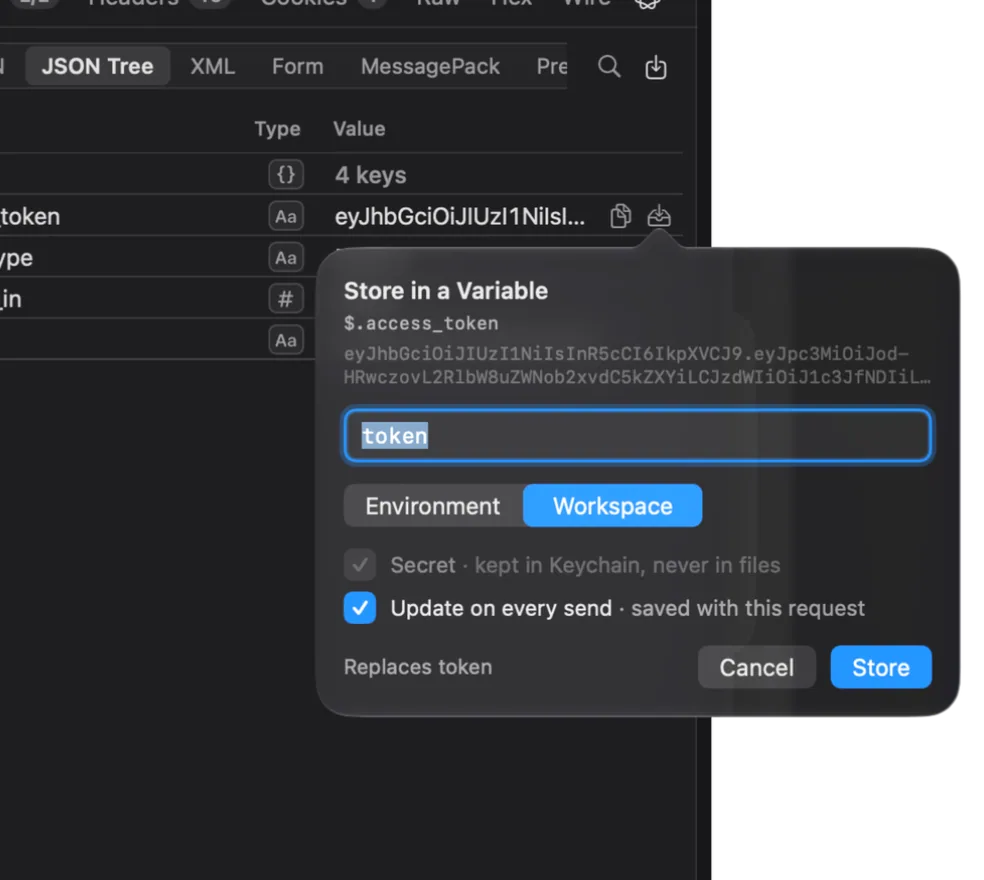
- Rest the pointer on the
access_tokenrow. Small buttons appear after the value. Choose the one whose help says Store in a Variable…. - In the Store in a Variable popover:
- Change the name to
token. - Under the scope, choose Environment “Demo”: each server has its own tokens.
- Make sure Secret · kept in Keychain, never in files is ticked. Echolot ticks it by itself for names like
token. - Leave Update on every send · saved with this request ticked.
- Change the name to
- Choose Store.
Open the request's Variables tab. Under From the Response is a row: token, from JSON, path
$.access_token, saved to Demo, secret. From now on, every successful send of Sign in writes the new token
into {{token}}. A response of 400 or more, or one without the value, leaves the variable alone. Details in
response captures.
2. Send the token from a whole folder
Instead of setting Bearer auth on every request, set it once on a folder.
- Make a folder
Orders(⇧⌘N). - Right-click Orders and choose Folder Settings….
- In the Auth tab, set Type to Bearer Token and Token to
{{token}}. Choose Done. - Right-click Orders, choose New Request, and name it
List orders. Set its URL to{{baseURL}}/orders. - Open its Auth tab. Type is Inherit, and the Uses row says it takes the folder's Bearer Token.
- Send it.
You get Heidi's three orders: ord_7Hk2Lw (shipped), ord_8Jm4Qx (paid) and ord_5Fd9Ra (delivered). Every new
request in Orders sends the token the same way. Requests start on Inherit, which takes the nearest folder's
auth, then the workspace's. See auth for the other types.
If you get 401 Unauthorized later, the token has run out: it lasts an hour. Send Sign in again and the token is
updated.
3. Read a value from another response
The next request reads the first order's id from the answer to List orders, so you never copy it by hand.
- In Orders, make a request
Get order. - In its URL field, type
{{baseURL}}/orders/and then{{$response. The list shows the dynamic values in the Responses group. Choose JSONPath Filtered Response. - In the form that opens, set Request to the List orders request (
orders/list-orders) and JSONPath to$.items[0].id. Leave Send it first on When it has no response yet. Choose Done.
The URL now holds a token that stands for
{{$responseJSONPath('orders/list-orders', '$.items[0].id')}}. Rest the pointer on it to see the value it has now:
ord_7Hk2Lw. Send Get order and you get that order with its lines and shipping. Had List orders never been
sent, Echolot would send it first.
4. Place an order with dynamic values
Dynamic values are made fresh on every send. Use two of them in a new order.
-
In Orders, make a request
Create orderwith the method POST and the URL{{baseURL}}/orders. -
In the Body tab, choose JSON and type the body. Use the
{{list to insert ISO 8601 Timestamp:{ "lines": [ { "sku": "TNT-MH-2P", "quantity": 1 }, { "sku": "PCK-TIT-30", "quantity": 2 } ], "note": "Placed from Echolot at {{$isoTimestamp}}" } -
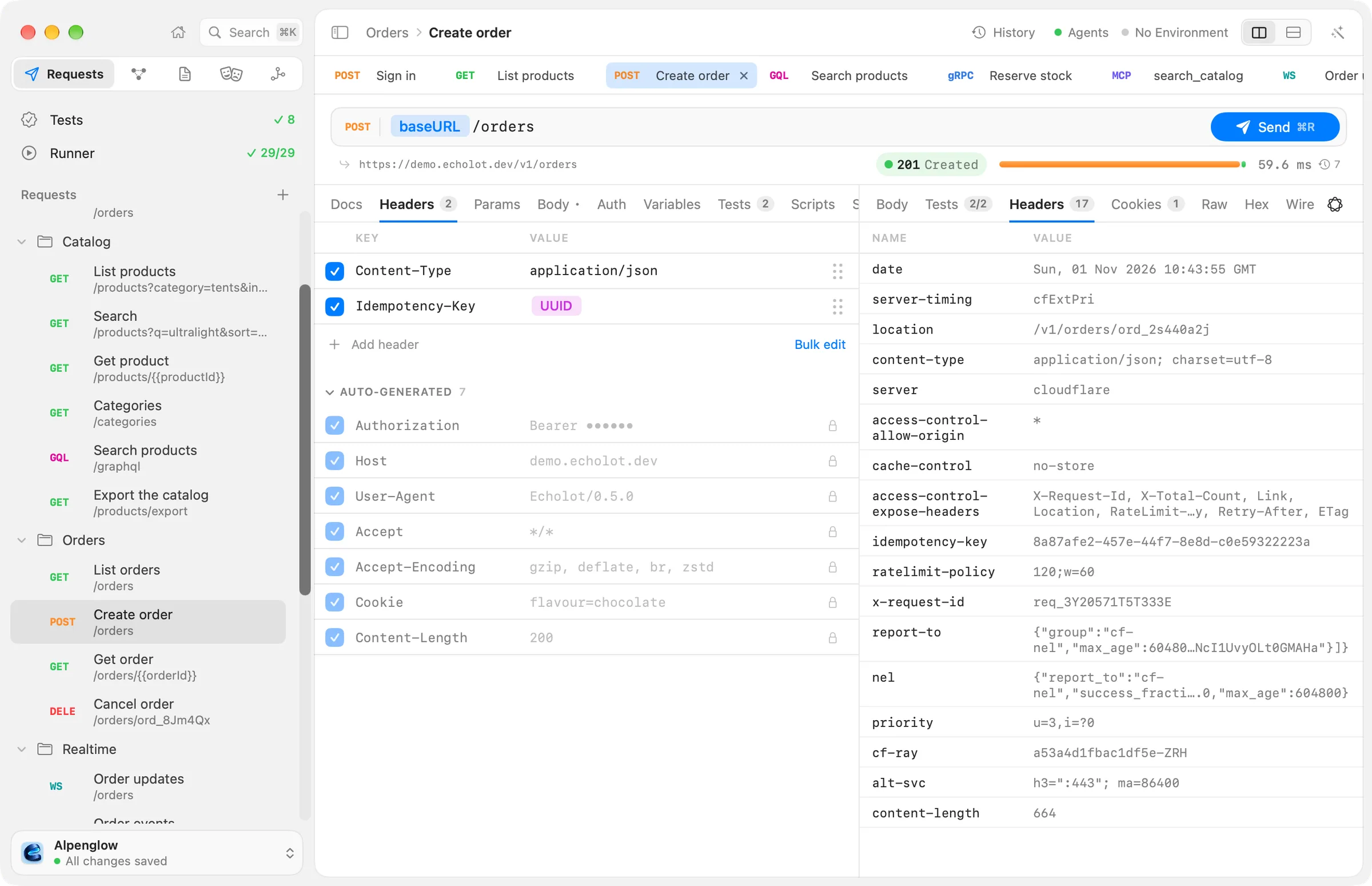
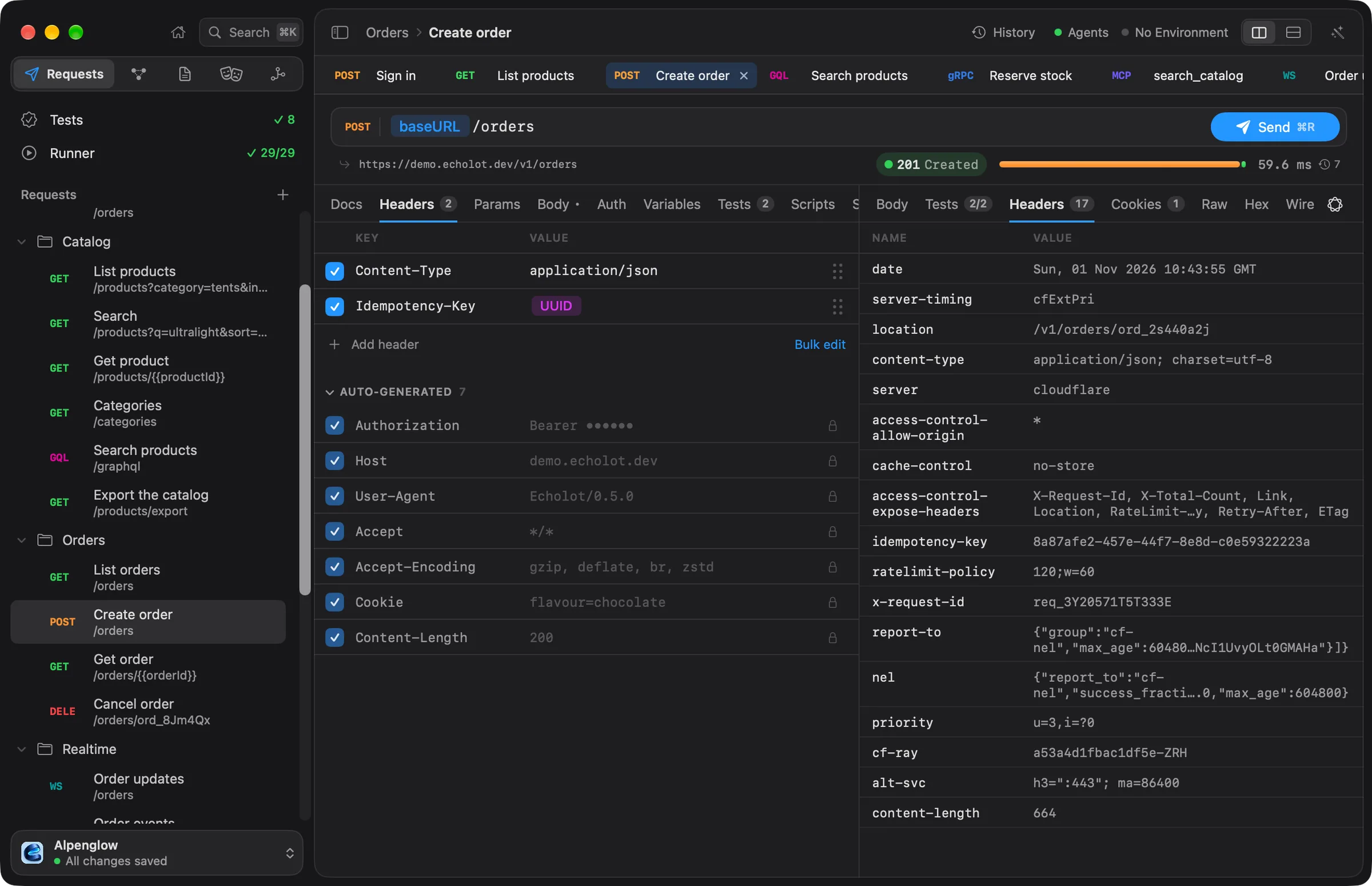
In the Headers tab, add a header
Idempotency-Key. For its value, type{{and choose UUID ({{$uuid}}). -
Send it.
The answer is 201 Created with a Location header such as /v1/orders/ord_…, and the shop sends your
Idempotency-Key back. The note carries the time of the send. The demo stores nothing, so the new order can't be
fetched afterwards. All dynamic values are in the reference.
5. See what the Idempotency-Key does
An Idempotency-Key tells the server that sends with the same key are the same order, so sending again never
places it twice.
- Send Create order again. The id in
Locationchanges:{{$uuid}}made a new key. - In the Headers tab, replace
{{$uuid}}with a fixed value such astutorial-order-1. - Send twice. Both answers carry the same order id.
Real APIs use the key to drop a repeated request that got through the first time. Echolot uses it too: when a
kept-open connection closes before any answer, it sends a request again on a fresh connection only if sending it
twice is harmless. That is true for GET, PUT, DELETE and the other safe or idempotent methods, and for any
request with an Idempotency-Key header. A POST without one fails instead, so an order is never placed twice
behind your back. Put {{$uuid}} back when you are done.
Two more things the shop checks:
- Change a quantity to
0and send:422 Unprocessable Contentlists what is wrong with each line. - Orders with OAuth 2 in Alpenglow gets its token by client credentials. That token may read orders but not place
them:
POST /v1/orderswith it answers403 Forbidden.
Next steps
- Test an API and run it in CI: add checks and run the whole chain in one go.
- Scripts and tests:
pm.environment.set()and friends, when a capture isn't enough. - OAuth 2.0 and the other auth types: let Echolot fetch and refresh tokens for you.