 Echolot
.proto files
Keep a gRPC service's .proto files in the workspace, edit them with a live outline, and make requests from their methods.
A .proto file describes a gRPC service: its methods and the messages they take and return. Keep it in the workspace
and gRPC requests use it to build and read messages, without asking the server. The Specs page
shows .proto files beside the OpenAPI documents, with an editor and an outline of their own.
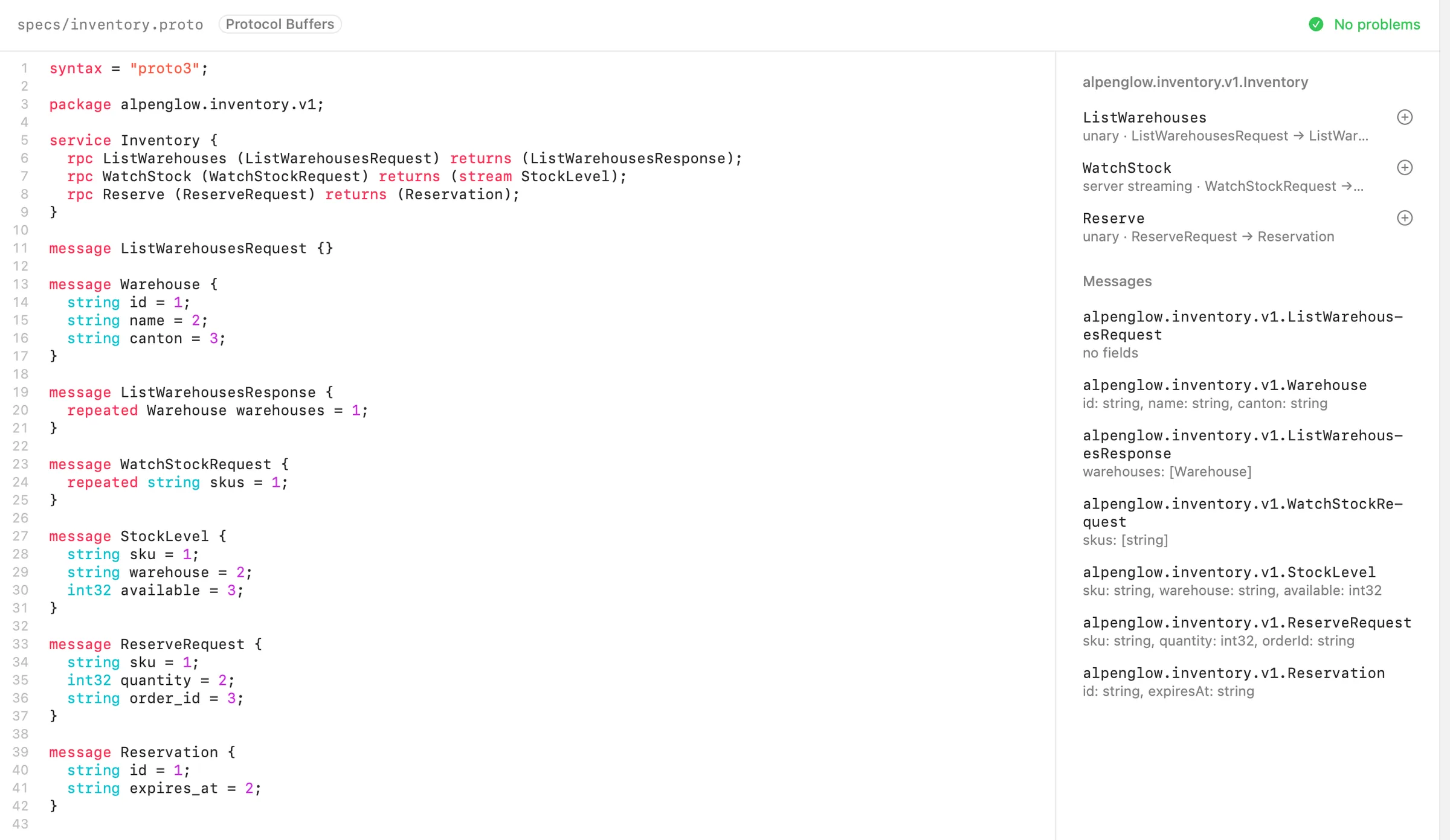
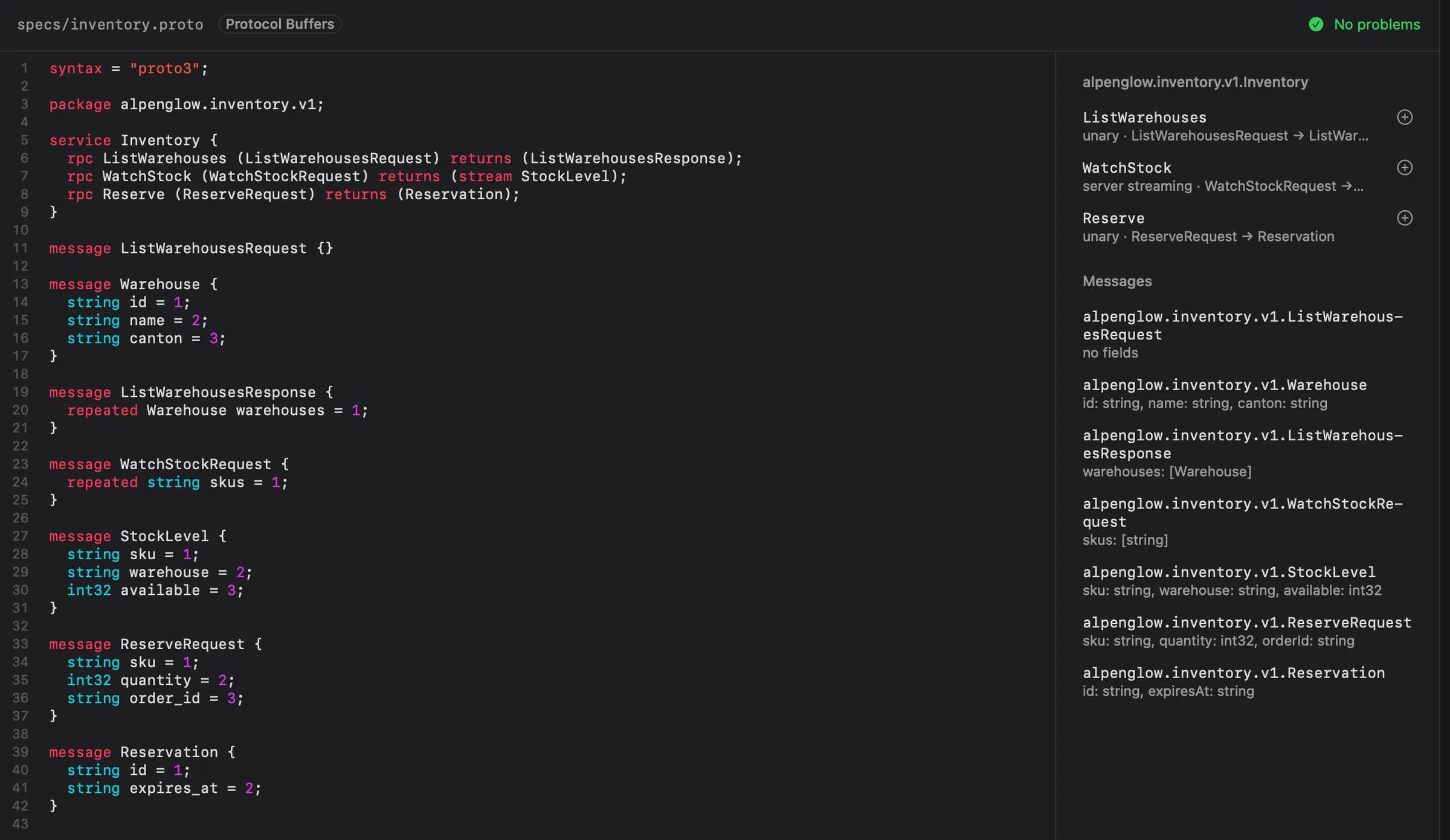
The Alpenglow example has one, inventory.proto, with the alpenglow.inventory.v1.Inventory service.
Adding a file
In the Specs sidebar, click + in the Specs header:
- New Proto File starts
specs/service.protowith a small example service,Greeter, to replace with your own. - Add Proto File… copies a
.protofile from your Mac into thespecsfolder. If it imports other files, copy them intospecstoo. Google's well-known types (google/protobuf/timestamp.protoand the others) are built in.
The files are listed under Proto Files in the sidebar. Right-click one for Show in Finder and Delete…. Delete asks first and moves the file to the Trash; gRPC requests that used it then need another file or the server's reflection.
Editing
Click a file to open it. The source is on the left, with highlighting. The bar above it shows the file, Protocol
Buffers, and No problems or the first problem the parser found, such as inventory.proto:12: expected “;”.
On the right, the outline shows what the file declares, and follows the editor as you type:
- Each service with its methods. Each method shows its kind (
unary,server streamingand so on) and its input and output messages. - Messages, with their fields and types.
- Enums.
A file that doesn't parse shows The outline shows once the file parses.
Echolot saves the file shortly after each change, and when you open another file or leave the page. If it can't be written, The proto file could not be saved offers Retry, Save a Copy…, Discard Changes and Keep Editing, as for specs; your edits stay in the editor until they're saved.
One file is open at a time on the Specs page: a .proto file or an OpenAPI spec. Opening one saves and leaves the
other.
Requests from methods
Click the + beside a method in the outline to make a gRPC request for it. The request uses this .proto file,
calls that service and method, and starts with a message that has every field at an example value. Point its URL at
your server and send it. gRPC covers sending, streaming methods, and taking the methods from the
server's reflection instead of a file.
From the command line
echolot grpc describe --proto api.proto lists the services, methods and fields of a file, and echolot grpc call
calls a method. See echolot grpc.